You're drowning in event details scattered across emails, PDFs, spreadsheets, and sticky notes. Every conference agenda, speaker schedule, and venue booking requires manual calendar entry. Your team keeps missing deadlines because someone forgot to add that crucial planning meeting to their calendar. Sound familiar?
Event coordination shouldn't feel like data entry hell. Yet most coordinators spend hours each week copying and pasting event information into calendar systems, fixing typos, and chasing down team members who "didn't get the calendar invite."
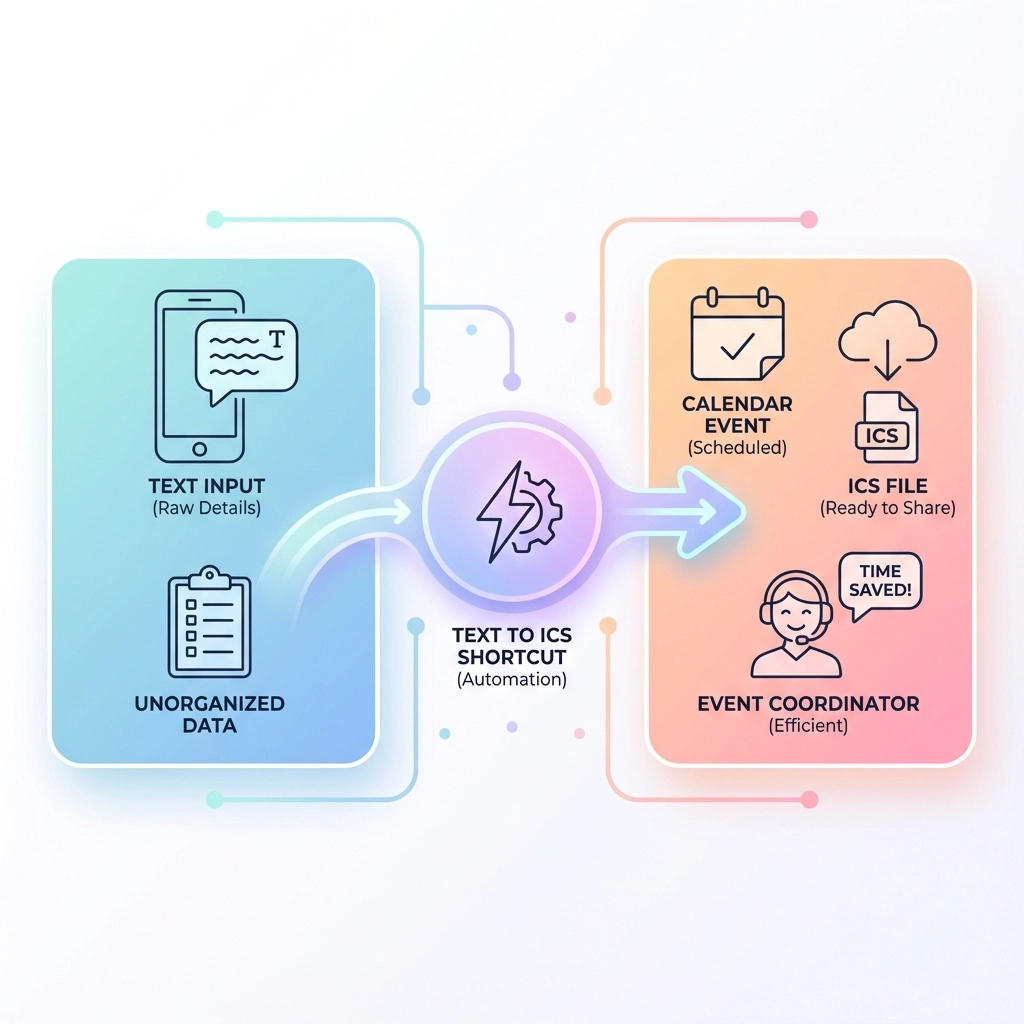
Text to ICS shortcuts change everything. Instead of manual calendar entry, you convert any text into downloadable calendar files in seconds. Your attendees get properly formatted events that work in any calendar app. Your team stays synchronized. Your sanity remains intact.
What Exactly Is a Text to ICS Shortcut?
A text to ICS shortcut transforms unstructured event information into standardized calendar files. You paste meeting details from an email, upload a conference PDF, or even screenshot an event poster. The tool extracts dates, times, locations, and descriptions, then generates an .ics file that works in Google Calendar, Outlook, Apple Calendar, and every other major scheduling platform.
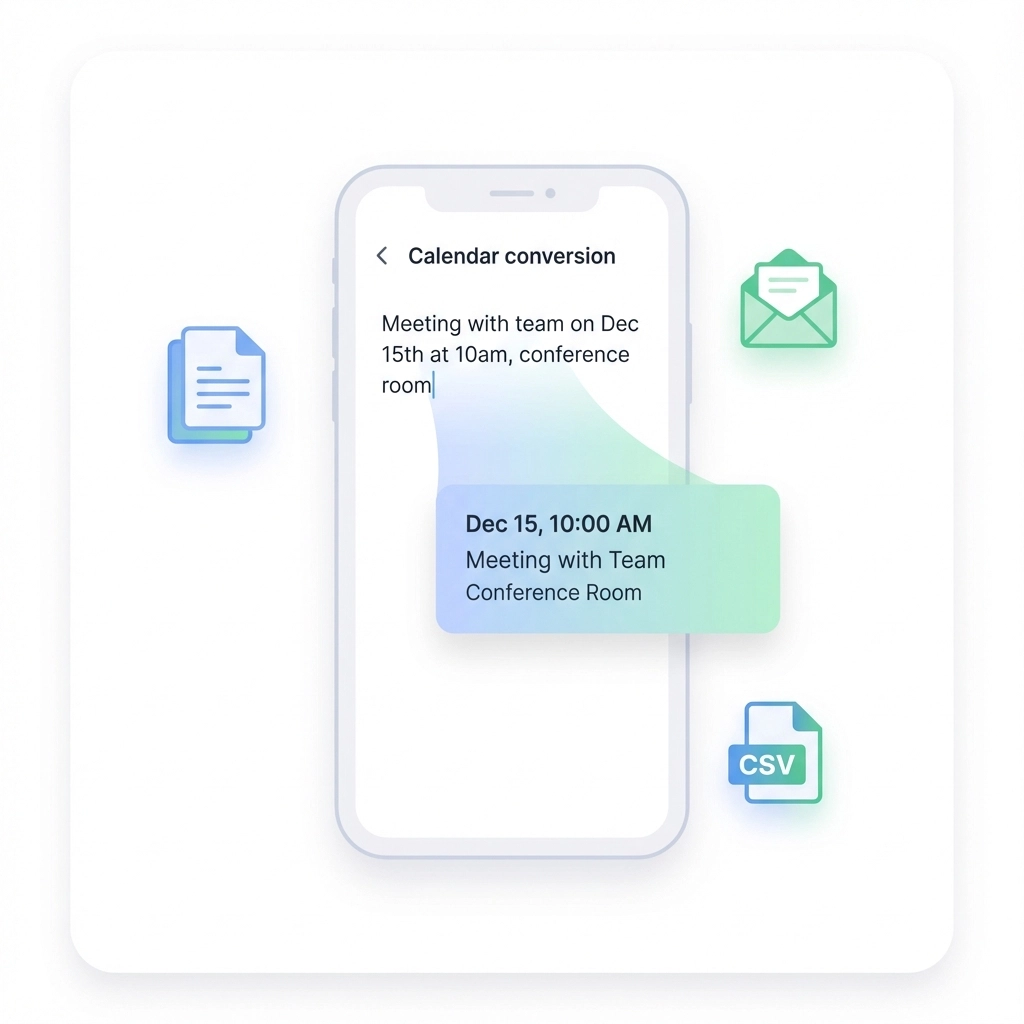
The "ICS" format is the universal calendar language. When you send someone an .ics file, their calendar automatically recognizes all the event details: no matter what system they use.
Case Study: Sarah's Conference Nightmare Becomes a Breeze
Sarah coordinates tech conferences with 50+ speakers across three days. Before discovering text to ICS shortcuts, she spent entire weekends manually creating calendar events from speaker submission forms.
"I had spreadsheets with 200 rows of session data," Sarah recalls. "Name, time slot, room, bio, session title: all sitting there mocking me while I clicked through calendar creation screens for hours."
Her breaking point came during a particularly chaotic conference prep. She accidentally double-booked two keynote speakers because of a manual entry error. The venue scramble cost her weekend and nearly damaged relationships with sponsors.
Now Sarah uploads her speaker CSV file and generates all 50+ calendar events in under two minutes. Each session becomes a properly formatted .ics file with speaker details, room assignments, and session descriptions.
"My stress levels dropped dramatically," she says. "I went from weekend data entry marathons to having complete conference calendars ready before lunch on Monday."
The time savings compound throughout the planning cycle. Sarah shares session calendars with speakers immediately after confirmation. Attendees download individual sessions or the complete conference schedule. No more "what time was that panel again?" emails.
Case Study: Mike's Corporate Event Coordination Revolution
Mike manages quarterly company retreats for a 300-person tech startup. These events involve team workshops, leadership sessions, vendor meetings, and social activities: all requiring precise coordination across departments.
His old workflow was pure chaos. Department heads sent meeting requests via email, Slack, and sometimes verbal hallway conversations. Mike spent Tuesday mornings deciphering messages like "Can we move the Q4 planning thing to Thursday afternoon somewhere?" and trying to figure out who needed to attend what.
"I was playing detective instead of coordinating events," Mike explains. "Half my job was translating vague messages into actual calendar invites."
Text to ICS shortcuts eliminated the translation layer. Now Mike forwards messy emails directly to the conversion tool. He screenshots Slack messages about impromptu meetings. He even photographs whiteboard planning sessions from leadership meetings.
Each input becomes a clean calendar file within seconds. Mike reviews the extracted details, makes quick adjustments, and sends properly formatted invites to relevant teams.
The impact extended beyond Mike's workload. "Our no-show rate for internal meetings dropped by 60%," he notes. "When people get clear calendar files with all the details, they actually show up prepared."
Department heads started requesting Mike's "calendar magic" for their own team meetings. His text to ICS workflow became the company standard for event communication.
Case Study: Lisa's Nonprofit Fundraising Event Success
Lisa coordinates fundraising galas for a mid-sized nonprofit. These events require managing donor schedules, volunteer shifts, vendor timelines, and board member availability across months of planning.
Her coordination nightmare involved juggling information from venue contracts (PDF), volunteer signup forms (online submissions), and donor preference emails. Creating comprehensive event timelines meant hours of manual calendar work, often late into the evening.
"Board members would send emails like 'I can help with setup Saturday morning but need to leave for my daughter's recital by 2 PM,'" Lisa remembers. "Translating dozens of these messages into workable schedules was exhausting."
The text to ICS shortcut transformed her workflow. Lisa processes volunteer availability emails in batches, converting each message into calendar blocks. Vendor delivery windows from PDF contracts become calendar events with location details and contact numbers. Board member preferences turn into scheduling constraints that everyone can see.
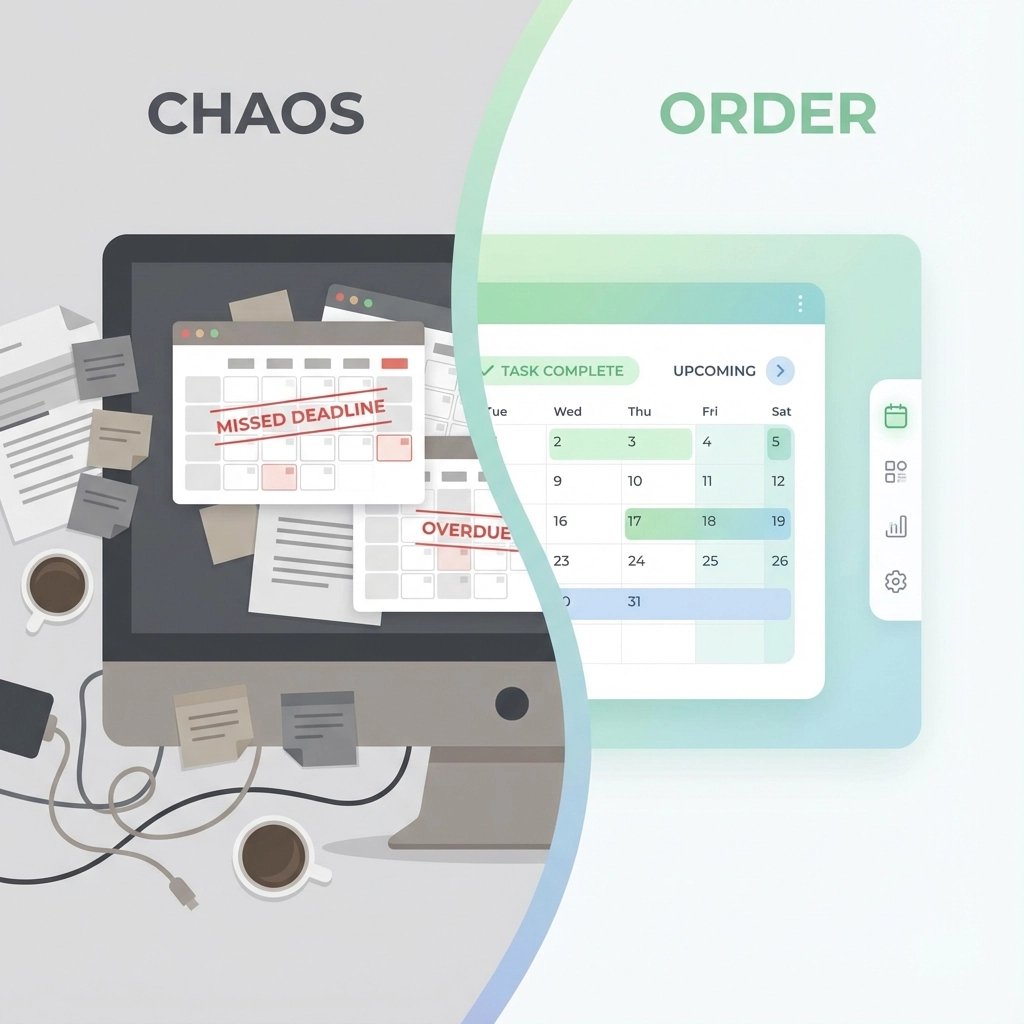
The clarity improved volunteer coordination dramatically. Instead of confusion about shift timing, volunteers download their specific schedule files. They see exactly when to arrive, where to report, and what tasks they're handling.
"Our last gala ran smoother than any previous event," Lisa reports. "Volunteers knew their schedules. Vendors arrived on time. Board members showed up when needed. It felt like coordinating a well-oiled machine instead of herding cats."
The Hidden Cost of Manual Calendar Management
These success stories highlight a broader problem: manual calendar management doesn't just waste time: it creates cascading errors that damage event quality.
When you manually transcribe event details, you introduce typos. Wrong meeting times. Incorrect room numbers. Missing attendee names. These errors multiply as events get forwarded and shared.
Manual processes also create inconsistent formatting. Your Google Calendar event might look different from someone else's Outlook version. Time zones get confused. Location details disappear. Attendees receive unclear information.
Text to ICS shortcuts standardize everything. Every generated calendar file contains the same information formatted consistently across all calendar platforms.
Five Ways Text to ICS Shortcuts Transform Daily Event Management
1. Batch Processing Eliminates Repetitive Work
Instead of creating calendar events one by one, you process entire event lists simultaneously. Upload a conference schedule CSV and generate 50 calendar files. Convert a week's worth of meeting emails in minutes.
2. Cross-Platform Compatibility Ends Calendar Confusion
Your .ics files work everywhere. Google Calendar users, Outlook devotees, and Apple Calendar fans all receive identical, properly formatted events. No more "I didn't see that meeting on my phone" excuses.
3. Automatic Detail Extraction Reduces Errors
AI parsing catches information you might miss during manual entry. Time zones get handled correctly. Location details transfer completely. Attendee lists stay accurate.
4. Instant Sharing Improves Team Coordination
Generate calendar files immediately after event confirmation. Share schedules while information is fresh. Keep everyone synchronized from day one.
5. Professional Presentation Enhances Credibility
Clean, properly formatted calendar files look more professional than hastily created manual entries. Your attention to detail shows in every shared event.
Getting Started: Your First Text to ICS Conversion
Ready to eliminate calendar chaos? Your first conversion takes less than five minutes.
Start with a simple test. Find an email with meeting details: time, date, location, attendees. Copy the relevant text and paste it into a text to ICS tool.
Review the extracted information. The tool highlights dates, times, and locations it identified. Make any necessary adjustments.
Download your .ics file and open it in your calendar app. The event appears with all details properly formatted.
Now try something more complex. Upload a PDF schedule or convert multiple events from a spreadsheet. Watch hours of manual work disappear in seconds.
Making Text to ICS Part of Your Standard Workflow
The most successful event coordinators make text to ICS conversion automatic. They process new event information immediately instead of letting it accumulate.
Set up a simple routine: check emails for event details, convert them to calendar files, and share them with relevant team members. This takes minutes but prevents hours of catch-up work later.
For recurring events, save your conversion templates. Monthly board meetings, weekly team check-ins, and quarterly reviews become one-click calendar generation.
Consider integrating text to ICS shortcuts with your existing event management tools. Many coordinators bookmark the conversion tool or add browser extensions for faster access.
The goal isn't just personal efficiency: it's creating better experiences for everyone involved in your events. When attendees receive clear, consistent calendar information, they show up prepared and on time. When team members have accurate schedules, they coordinate more effectively. When vendors get detailed timeline files, they deliver services smoothly.
Text to ICS shortcuts don't just save time. They transform chaotic event coordination into systematic, professional event management. Your events run better. Your team stays happier. Your stress levels drop dramatically.
The question isn't whether you need a text to ICS shortcut. The question is how much longer you'll tolerate manual calendar chaos when a better solution exists.
Leave a Reply