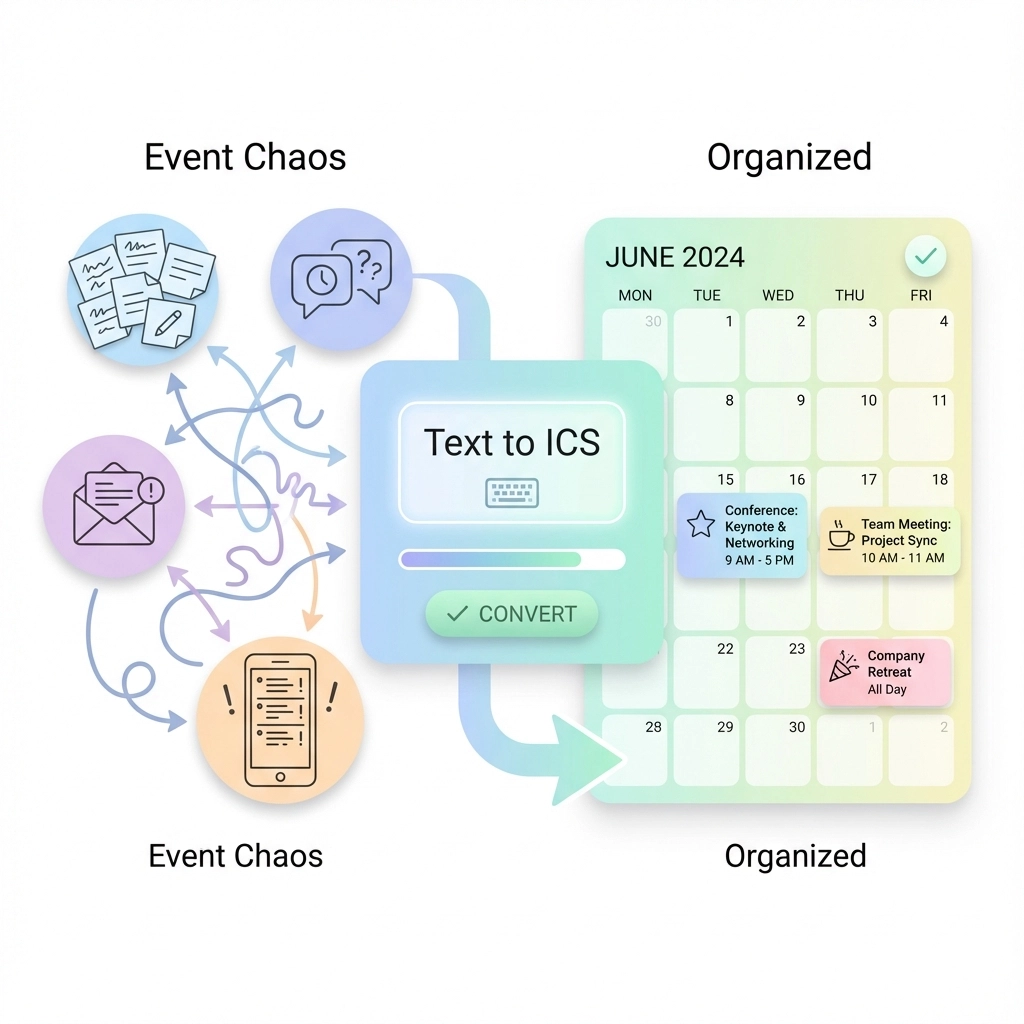
You're drowning in event details. Emails with meeting times, chat messages with deadline reminders, flyers with conference schedules: all scattered across different platforms. You spend your mornings copying and pasting information into your calendar, double-checking dates, and inevitably making mistakes that cause missed meetings or scheduling conflicts.
This chaos doesn't have to be your reality. Text to ICS conversion transforms scattered event information into organized, downloadable calendar files in seconds. No more manual typing. No more forgotten details buried in your inbox.
The Problem: Event Information Lives Everywhere
Event planners and busy professionals face the same daily struggle. Important dates arrive through multiple channels:
- Email invitations with embedded event details
- Team chat messages mentioning quick meeting times
- PDF flyers with conference schedules
- Website event listings you want to track
- Handwritten notes from phone calls
Each piece of information requires manual calendar entry. You copy the date, switch to your calendar app, create a new event, paste the title, set the time, add location details, and repeat. This process takes 2-3 minutes per event, and mistakes happen when you're rushing or distracted.

How Text to ICS Eliminates Manual Work
Text to ICS tools use natural language processing to extract event information from any text source. You highlight relevant text: whether it's "Board meeting next Thursday at 2 PM" or a detailed conference agenda: and the tool automatically identifies dates, times, locations, and event titles.
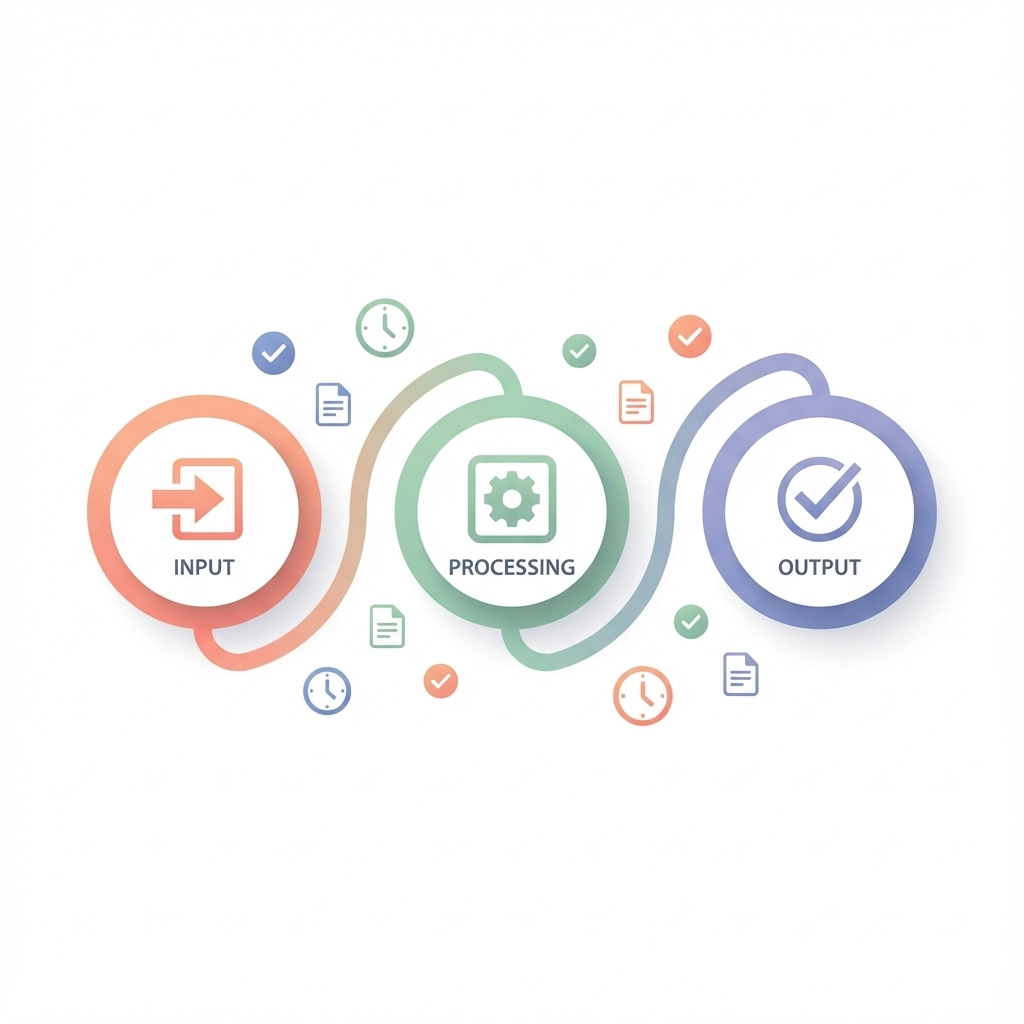
The conversion happens in three simple steps:
- Input: Paste or type event details in plain text
- Processing: AI extracts dates, times, and event information
- Download: Receive a properly formatted .ics file for your calendar
The entire process takes under 30 seconds per event. More importantly, the generated files work with every major calendar application: Google Calendar, Outlook, Apple Calendar, and others.
Step-by-Step Workflow for Event Planners
Step 1: Collect Event Information
Start by identifying where your event details currently live. Open your email, team chat, or any document containing event information. You don't need to reformat anything: the text can be messy, informal, or embedded within longer messages.
Step 2: Extract Relevant Text
Highlight or copy the text containing event details. This might be:
- "Marketing review meeting tomorrow 3:30 PM in Conference Room B"
- "Q4 planning session scheduled for December 20th from 9 AM to 12 PM"
- An entire email thread with multiple meeting references
Step 3: Convert to ICS Format
Visit your text to ICS conversion tool and paste the copied text. The tool automatically scans for date and time patterns, event titles, and location information. You'll see a preview of extracted events before downloading.
Step 4: Review and Adjust
Before downloading, verify the extracted information. Check that dates appear in your local timezone and event titles capture the essential details. Most tools allow quick edits at this stage.
Step 5: Import to Your Calendar
Download the .ics file and open it with your preferred calendar application. The events automatically appear in your schedule with proper formatting, timezone conversion, and reminder settings.
Key Benefits for Busy Teams
Time Savings Add Up Quickly
Manual calendar entry takes an average of 2-3 minutes per event. If you process 10 events weekly, that's 30 minutes of repetitive work. Text to ICS conversion reduces this to under 5 minutes total, freeing up 25 minutes for actual planning work.
Accuracy Improves Dramatically
Human error rates in manual data entry range from 1-5% depending on complexity and fatigue. Common mistakes include:
- Wrong dates (especially when crossing month boundaries)
- Incorrect times (forgetting AM/PM)
- Timezone confusion for remote meetings
- Typos in event titles or locations
Automated extraction eliminates these errors by parsing text consistently and handling timezone conversions automatically.
Universal Calendar Compatibility
ICS files work across all calendar platforms without formatting issues. Your team can use different calendar applications while maintaining schedule synchronization. Remote workers, freelancers, and external partners can easily import shared event files regardless of their preferred tools.
Real-World Use Cases
Conference Planning
Conference organizers often receive speaker schedules, venue changes, and session updates through email. Instead of manually entering dozens of events, planners can convert entire agenda documents into calendar files. Session coordinators can then distribute these files to attendees, speakers, and staff.
Project Management
Project managers frequently handle deadline schedules across multiple communication channels. Team members mention due dates in chat, clients email project milestones, and stakeholders reference important dates in meetings. Converting these scattered references into organized calendar events ensures nothing falls through the cracks.
Client Services
Service professionals who manage multiple client appointments benefit from streamlined calendar management. Client emails often contain informal scheduling language like "Let's meet next week Tuesday afternoon" or "Follow-up call scheduled for the 15th." Converting these references into proper calendar events improves client relationship management.

Best Practices for Maximum Efficiency
Batch Processing Events
Instead of converting events one at a time, collect multiple event references and process them together. Many tools support bulk conversion, allowing you to extract several events from a single text block or document.
Standardize Your Input Format
While text to ICS tools handle informal language, consistent formatting improves accuracy. Train your team to include key details in a predictable order: event name, date, time, and location.
Create Event Templates
For recurring event types, develop standard text templates. Meeting organizers can use formats like "Weekly team sync – [Date] at [Time] in [Location]" to ensure consistent conversion results.
Verify Timezone Settings
Always confirm that your conversion tool uses the correct local timezone. This becomes especially important when processing events scheduled across different regions or when working with international teams.
Troubleshooting Common Issues
Ambiguous Date Formats
Text like "meeting on 3/4" could mean March 4th or April 3rd depending on regional conventions. When processing ambiguous dates, verify the intended interpretation before importing to your calendar.
Complex Recurring Events
Simple text to ICS tools handle single events effectively but struggle with complex recurring patterns. For events like "every second Tuesday" or "monthly on the last Friday," you may need to create the initial event and set up recurrence manually in your calendar application.
Multiple Time References
Text containing several time mentions can confuse extraction algorithms. Focus on the primary event details and process multiple events separately when text contains numerous date references.
Integration with Existing Workflows
Email-to-Calendar Automation
Many text to ICS tools integrate with email platforms, allowing direct conversion from your inbox. Set up filters or forwarding rules to automatically process specific types of event-related emails.
Team Communication Tools
Some conversion services offer plugins for popular team communication platforms like Slack or Microsoft Teams. Team members can convert meeting references directly within their chat workflow.
Document Processing
For teams working with shared documents containing event schedules, establish a routine for extracting calendar information. Designate team members to process updated schedules and distribute calendar files to relevant stakeholders.
Measuring the Impact
Track your time savings and accuracy improvements to quantify the benefits of automated event conversion. Most teams report:
- 60-80% reduction in calendar management time
- Significant decrease in missed meetings due to scheduling errors
- Improved team coordination through consistent calendar formatting
- Better work-life balance from reduced administrative overhead
Getting Started Today
Begin with a small test. Choose one source of regular event information: perhaps your weekly team meeting emails or client scheduling messages. Convert these events to ICS format and import them to your calendar.
Measure the time difference between manual entry and automated conversion. Once you see the efficiency gains, expand the process to other event sources and team workflows.
The shift from event chaos to organized scheduling doesn't require major system changes or expensive software. Simple text to ICS conversion eliminates the busywork that keeps you from focusing on what matters: successful event planning and execution.
Leave a Reply