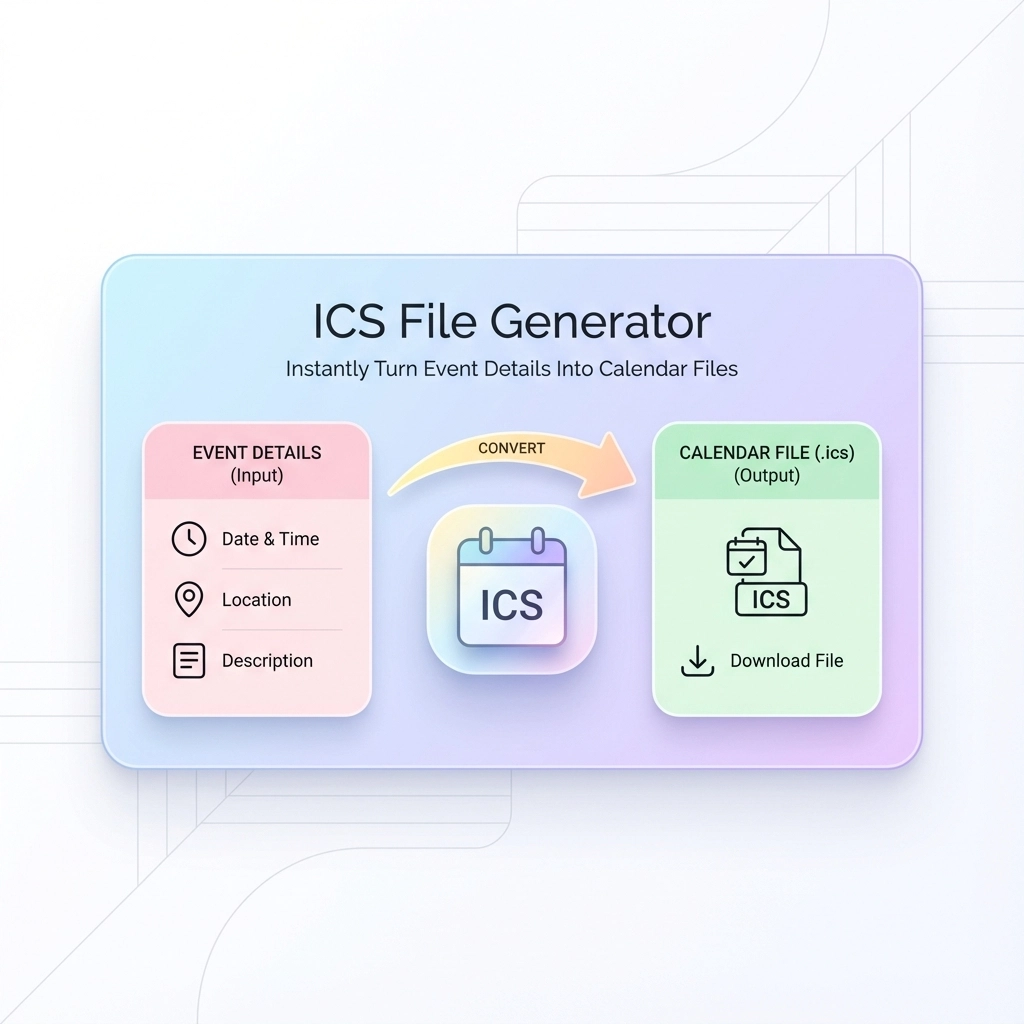
You're drowning in event details scattered across emails, notes, and messages. Every time you need to schedule something, you're stuck manually typing dates, times, and locations into your calendar. Then you realize others need the same information: and now you're copying and pasting event details into individual messages, hoping people actually add them to their calendars.
There's a better way. ICS file generators eliminate this tedious process entirely.
What Is an ICS File Generator?
An ICS file generator transforms your event information into a universal calendar file that works with every major calendar application. You enter your event details once, generate the file, and share it with anyone who needs it.
The recipient simply clicks the file, and the event automatically appears in their calendar: complete with all details, reminders, and location information. No manual entry required.
ICS stands for iCalendar, a standardized format that Outlook, Google Calendar, Apple Calendar, and virtually every other calendar system recognizes. Think of it as the PDF of calendar events: it looks the same everywhere and opens reliably across different platforms.
Why Manual Event Sharing Fails
When you send event details through email or text, recipients face several obstacles:
- Manual transcription errors: They mistype dates, times, or locations
- Timezone confusion: Your 3 PM might be their 6 PM
- Inconsistent formats: Different calendar apps expect different date formats
- Missing details: They forget to add location, duration, or description
- Procrastination: They plan to add it later but forget entirely
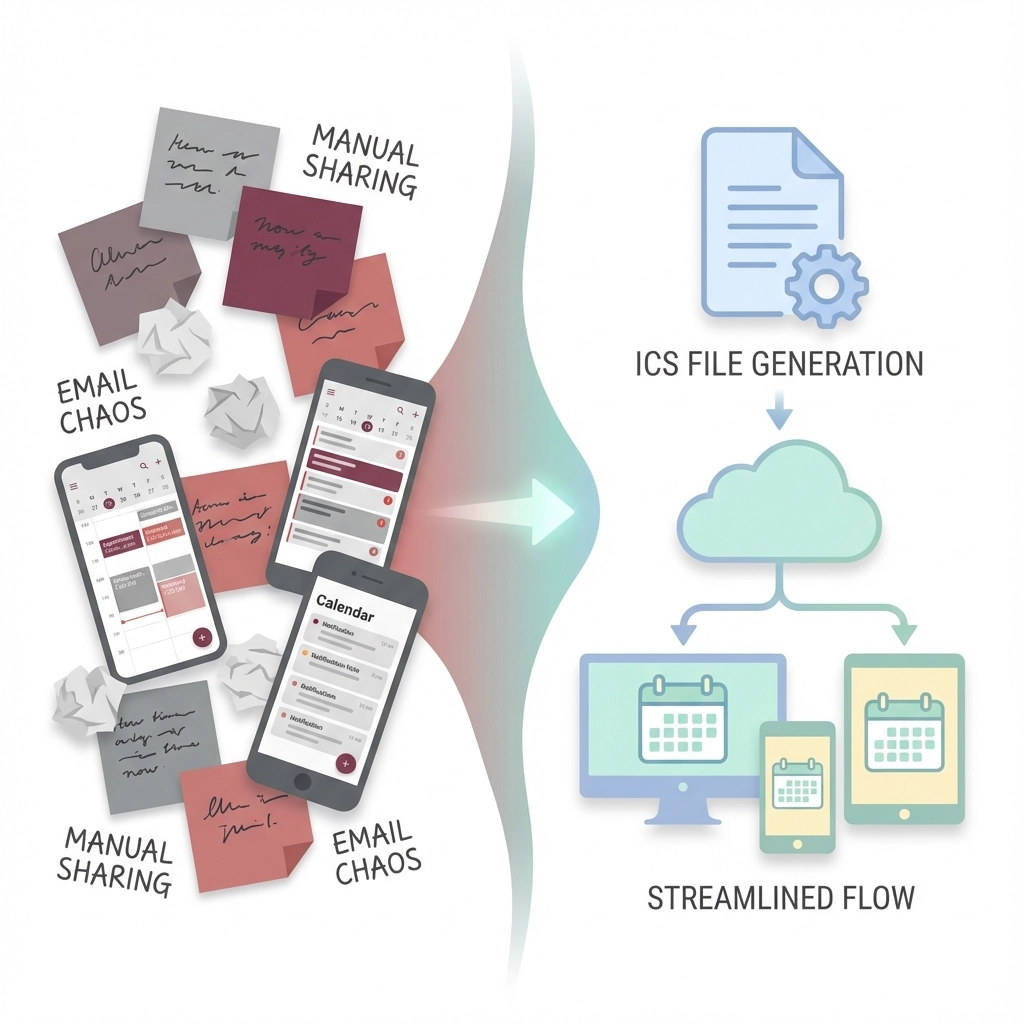
Each manual step introduces potential failure points. ICS generators bypass these problems by creating files that contain all event information in a format every calendar understands.
How ICS File Generators Work
The process is straightforward:
- Enter event details: Fill out a simple form with date, time, location, and description
- Generate the file: The tool creates an .ics file containing your information
- Download and share: Send the file via email, upload to websites, or distribute however you prefer
- Recipients import: They click the file and it opens in their default calendar app
Most generators require no account creation, store no data permanently, and work entirely through your web browser.
Essential Features to Look For
Timezone Support
Your generator should handle timezones automatically. When you create an event for 2 PM EST, recipients in different timezones see it converted to their local time. This prevents the common mistake of showing up three hours early (or late) to virtual meetings.
Recurring Events
Look for tools that handle repeating events. Whether you're scheduling weekly meetings, monthly deadlines, or annual conferences, the generator should create the appropriate recurrence pattern without requiring separate files for each occurrence.
Multiple Event Creation
The best generators allow bulk creation. Instead of generating individual files for each session of a multi-day conference, you can input all events at once and receive a single file containing the entire schedule.
Customizable Reminders
Choose generators that let you set reminder preferences. Some people need alerts 15 minutes before events, others prefer day-of notifications. The ICS file should include these preferences so recipients' calendars respect their timing needs.
Top Use Cases for Event Planners
Conference Scheduling
Generate a master ICS file containing all sessions, speakers, and networking events. Attendees import one file and have the complete conference schedule in their calendars, with automatic updates if you regenerate the file with changes.
Wedding Coordination
Create files for rehearsal dinners, ceremony times, reception schedules, and post-wedding brunches. Share different files with different groups: vendors get the full timeline, guests receive only relevant events.
Corporate Training
Generate training schedules that include room numbers, trainer contact information, and prep materials in the event description. Participants get accurate schedules that sync across their devices.
Client Meetings
Instead of back-and-forth scheduling emails, send ICS files with proposed meeting times. Clients can preview how the meeting fits their schedule before committing.
Advanced Bulk Generation Techniques
From Spreadsheets
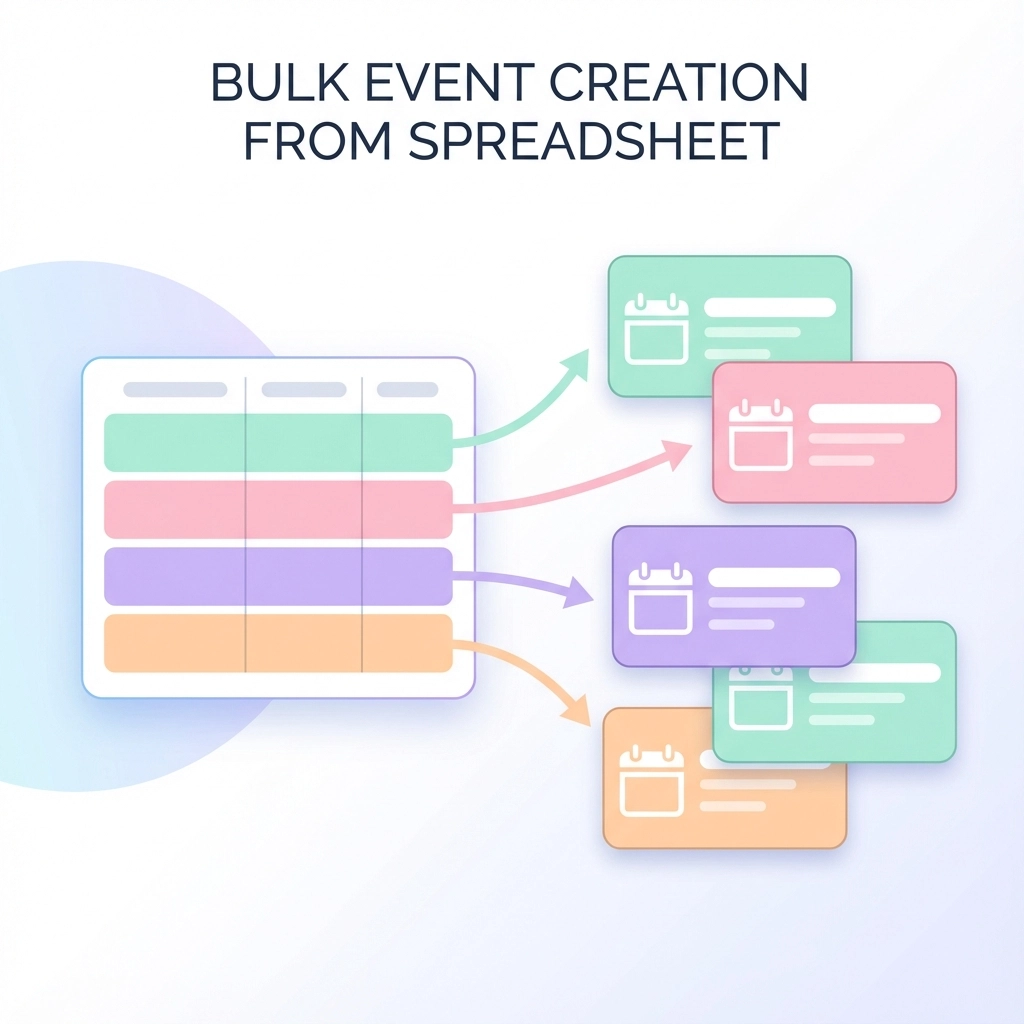
Many generators accept CSV imports. Create a spreadsheet with columns for event name, date, time, location, and description. Upload it to generate dozens of ICS files simultaneously.
Format your spreadsheet like this:
| Event Name | Date | Start Time | End Time | Location | Description |
|---|---|---|---|---|---|
| Team Meeting | 2025-01-15 | 10:00 | 11:00 | Conference Room A | Weekly planning session |
| Project Review | 2025-01-16 | 14:00 | 15:30 | Zoom Link | Q4 deliverables assessment |
From Text Lists
Some tools parse unstructured text and extract event information automatically. Copy meeting details from emails or documents, paste them into the generator, and let it identify dates, times, and locations.
Template Creation
Save frequently used event templates. If you regularly schedule client consultations, board meetings, or training sessions, templates eliminate repetitive data entry while ensuring consistency.
Integration with Your Existing Workflow
Email Distribution
Most email clients recognize ICS attachments automatically. Recipients see an "Add to Calendar" button directly in their email interface, making adoption effortless.
Website Embedding
Place "Add to Calendar" buttons on event pages that generate ICS files when clicked. This works particularly well for public events, workshops, or webinars where you want to minimize registration friction.
Team Collaboration Tools
Share ICS files through Slack, Teams, or project management platforms. Team members can add events to their personal calendars without switching between multiple tools.
Technical Benefits Without Technical Knowledge
Cross-Platform Compatibility
ICS files work identically across iOS, Android, Windows, and Mac systems. You don't need to worry about whether recipients use Outlook, Google Calendar, or Apple's native apps: the file opens correctly everywhere.
Automatic Synchronization
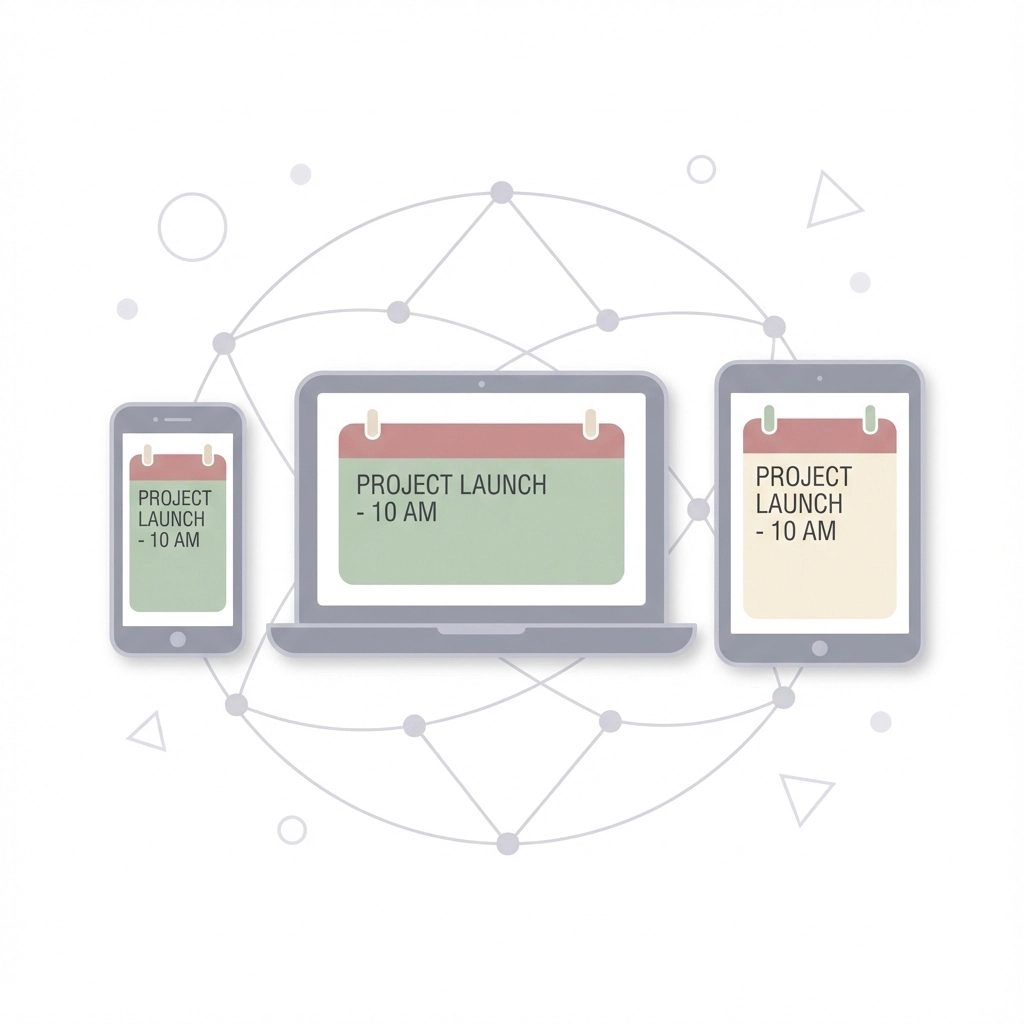
Once imported, events sync across all devices where recipients have calendar access. The meeting you schedule appears on their phone, laptop, and tablet simultaneously.
Rich Information Support
ICS files can include detailed descriptions, multiple location fields, attendee lists, and custom fields. You're not limited to basic date-and-time information.
Common Mistakes to Avoid
Overcomplicating Descriptions
Keep event descriptions concise but complete. Include essential information like dial-in numbers or parking instructions, but avoid lengthy explanations that overwhelm the calendar interface.
Ignoring Timezone Settings
Always specify timezones explicitly, especially for virtual events with participants across multiple regions. When in doubt, include timezone information in the event title: "Team Meeting (3 PM EST)".
Forgetting Update Procedures
Plan how you'll communicate changes to events. If you need to modify timing or location, regenerate the ICS file and clearly communicate that recipients should import the updated version.
Skipping Test Imports
Before distributing ICS files widely, test them in different calendar applications. Import the file into Google Calendar, Outlook, and Apple Calendar to verify formatting appears correctly.
Pro Tips for Maximum Efficiency
Standardize Your Templates
Develop consistent formats for common event types. Use the same description structure for client meetings, include standard reminder times for internal events, and maintain consistent location naming conventions.
Batch Process Similar Events
When creating multiple related events, start with the most complex one, then duplicate and modify rather than starting from scratch each time.
Include Contact Information
Add your contact details to event descriptions so recipients can reach you directly if questions arise. This prevents confusion and demonstrates professionalism.
The right ICS file generator transforms chaotic event coordination into a streamlined, professional process. You eliminate manual errors, save significant time, and ensure everyone has consistent, accurate calendar information.
Ready to stop wrestling with manual calendar entry? Try generating your first ICS file with our simple text-to-calendar tool and experience the difference automated scheduling makes.
Leave a Reply