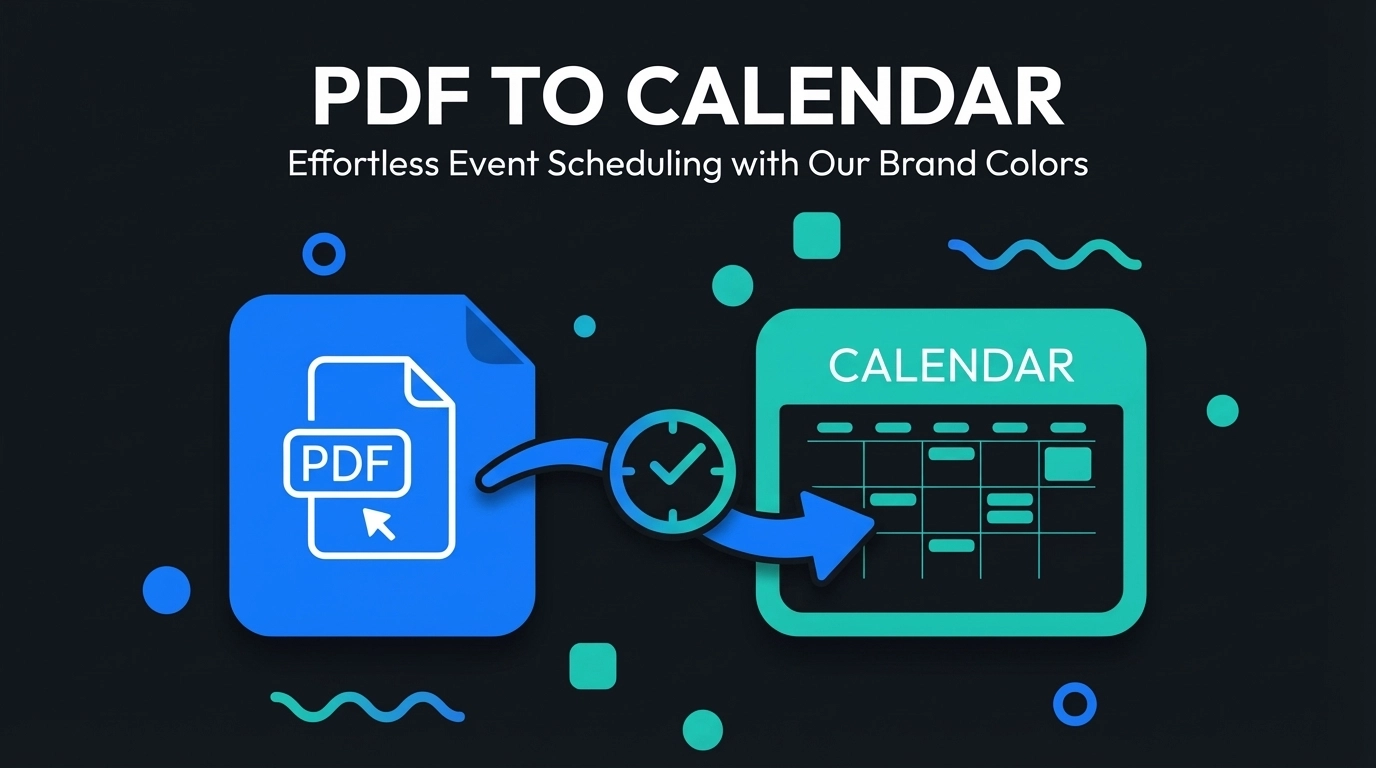
You're staring at a PDF schedule again. Maybe it's your kid's school calendar, a conference agenda, or your company's quarterly meeting schedule. The events are all there, neatly formatted and impossible to ignore. But getting them into your digital calendar? That's going to take forever.
You could spend the next hour manually typing each event, double-checking dates, and fighting with time zones. Or you could let AI handle the heavy lifting while you grab a coffee.
What PDF to Calendar Conversion Actually Does
PDF to calendar conversion transforms static document schedules into live, interactive calendar events. Instead of looking at a flat PDF and mentally calculating when your next meeting is, you get clickable calendar entries with proper notifications, location details, and the ability to share with colleagues.
The technology reads your PDF, identifies date patterns, event titles, and timing information, then packages everything into a format your calendar app understands. It's like having a personal assistant who never makes typos and works at superhuman speed.
How the Process Works Behind the Scenes
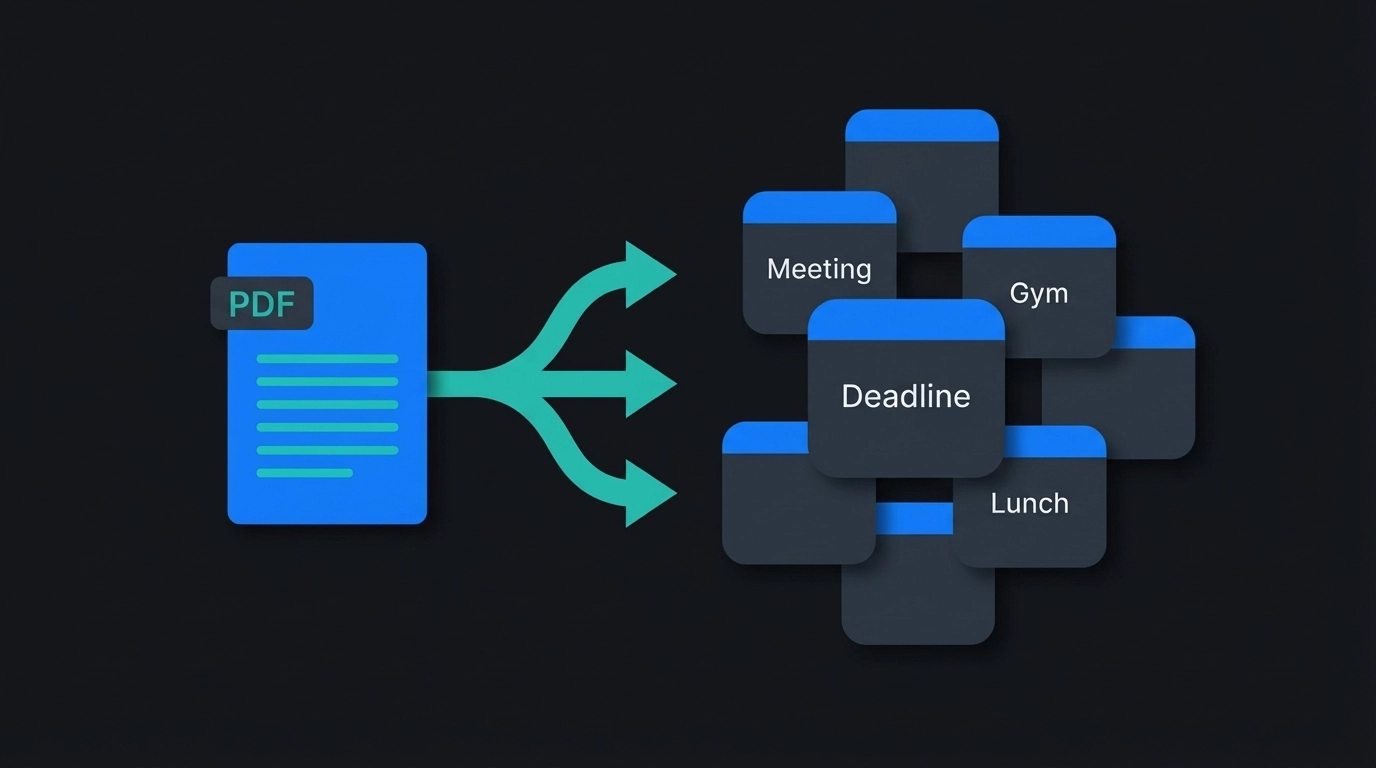
When you upload a PDF schedule, several things happen simultaneously. The system scans the document for date patterns – whether they're written as "March 15, 2024" or "15/03/24" or "Mar 15th." It identifies event titles, start times, end times, and any location information.
The AI engine recognizes different document layouts. Conference schedules look different from school calendars, which look different from work shift schedules. But the same core process applies: extract the when, what, and where from each line item.
Once extracted, the data gets formatted into ICS files – the universal calendar format that works with Google Calendar, Apple Calendar, Outlook, and virtually every other calendar application you might use.
Why Busy Professionals Need This Yesterday
Time Recovery
Manual calendar entry for a multi-day conference can take 45 minutes. PDF conversion handles the same task in under two minutes. That's not just convenience – it's time you can spend on actual work instead of data entry.
Error Elimination
You won't accidentally schedule the quarterly review for 3 AM because you misread "3 PM" while rushing through manual entry. The system reads what's actually written, not what your tired brain thinks it sees.
Consistency Across Teams
When your entire team needs the same schedule in their calendars, PDF conversion ensures everyone gets identical event details. No more "wait, is the client call at 2 or 3?" confusion.
The Step-by-Step Conversion Process
Step 1: Document Upload
Drag your PDF directly into the conversion tool. The system accepts PDFs, images of schedules, or even screenshots from your phone. File size limits are generous enough to handle multi-page conference programs or semester-long academic calendars.
Step 2: AI Processing
The system analyzes your document structure and identifies all calendar-worthy information. This typically takes 30-60 seconds, depending on document complexity. You'll see a progress indicator while the AI works through your schedule.
Step 3: Review and Edit
Before finalizing, you get a preview of all extracted events. You can modify titles, adjust times, add locations, or delete events you don't need. This editing step catches any edge cases the AI might have interpreted differently than intended.
Step 4: Export to Your Calendar
Choose your preferred format – direct Google Calendar integration, ICS file download, or other calendar app formats. The events appear in your calendar with proper time zones, recurring patterns (if applicable), and all original details intact.
Advanced Features That Save Additional Time
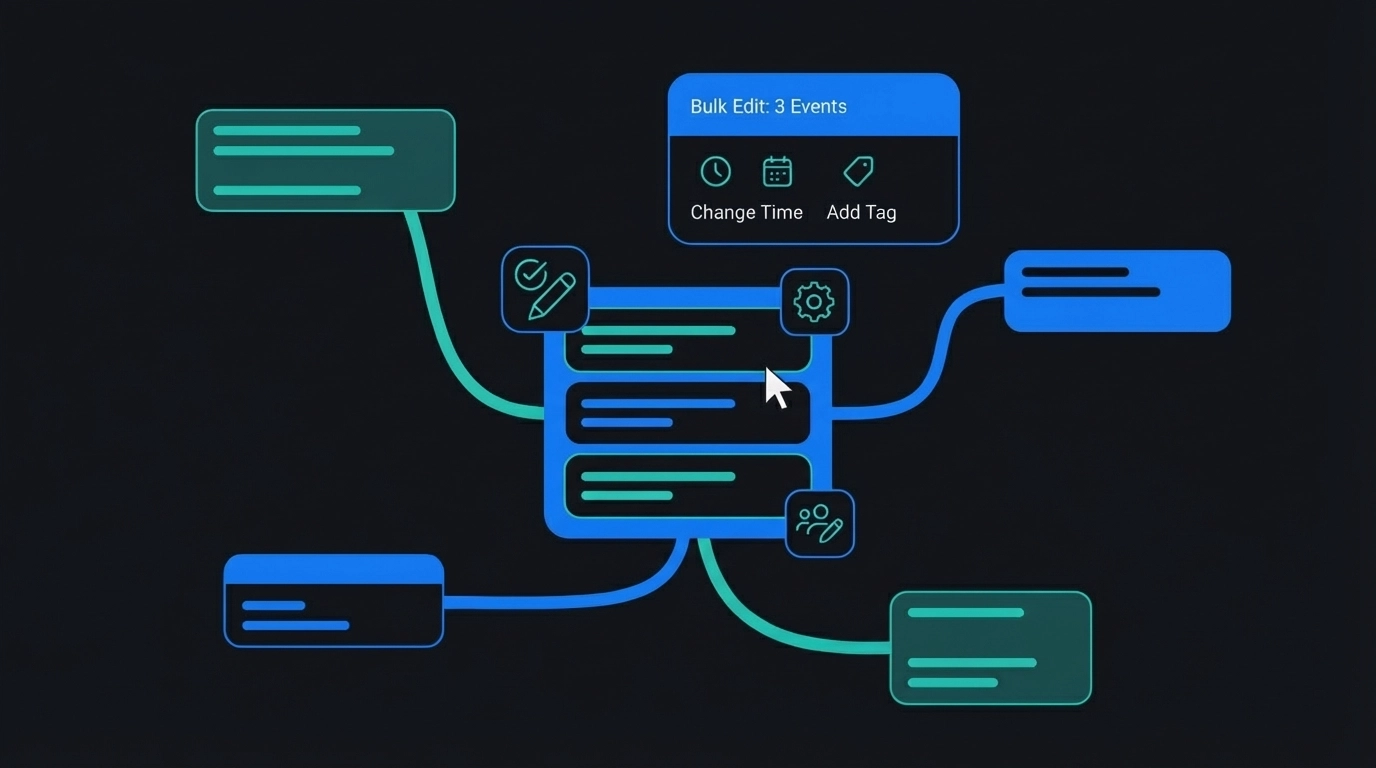
Bulk Editing Capabilities
Need to add the same location to 15 different events? Or shift everything by an hour because of schedule changes? Bulk editing handles these modifications across multiple events simultaneously.
Smart Pattern Recognition
The system recognizes recurring events automatically. If your PDF shows "Weekly Team Meeting – Mondays at 10 AM," it creates the appropriate recurring calendar entry instead of individual events for each date.
Multi-Language Support
Documents in different languages get processed correctly, with date formats adjusted to your calendar's local settings automatically.
Real-World Applications That Actually Matter
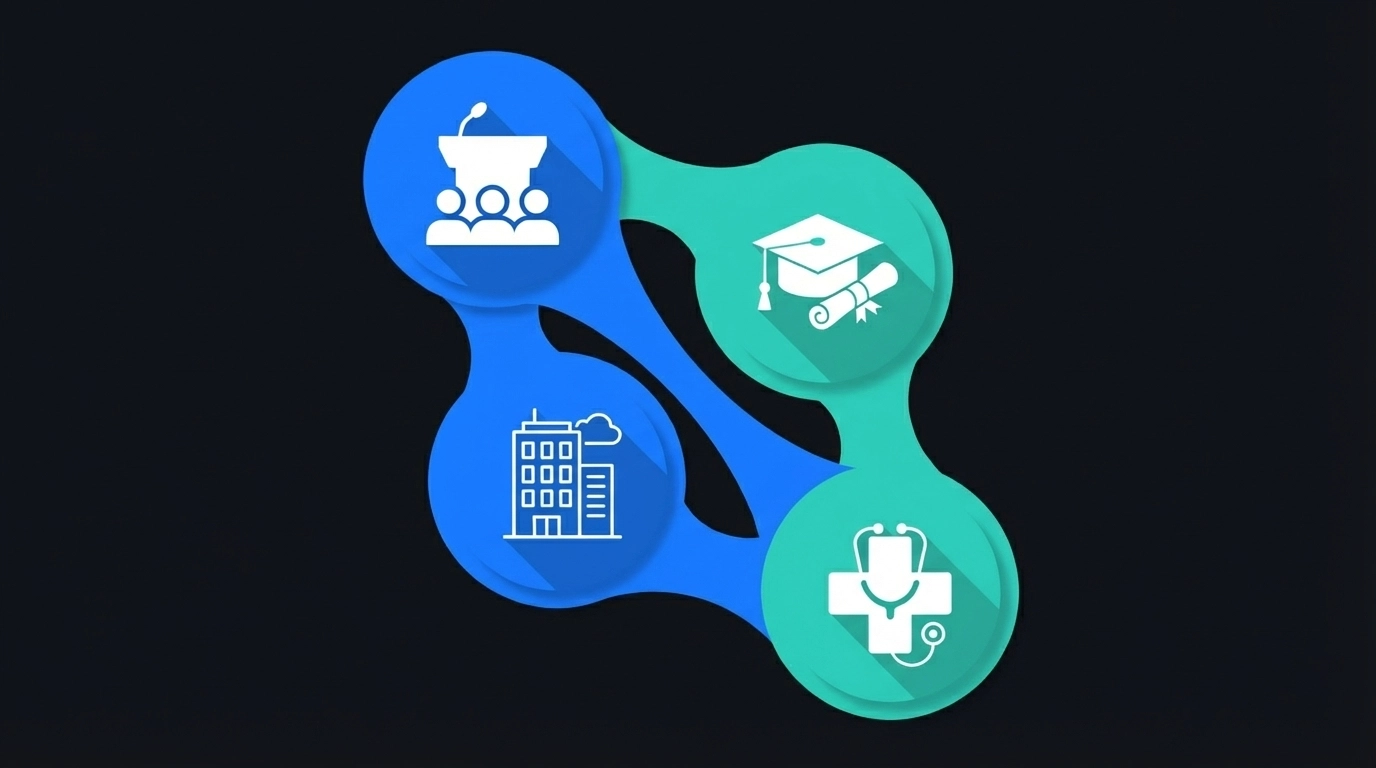
Event Planners Managing Complex Schedules
Conference organizers regularly deal with 50+ page agenda PDFs. Converting these manually would consume entire days. PDF conversion handles multi-track conferences, speaker schedules, and vendor meetings in one operation.
Educational Institution Coordination
Academic calendars, exam schedules, and semester planning documents often exist as PDFs. Students, faculty, and administrators can sync these schedules instantly rather than manually transcribing dates and deadlines.
Corporate Project Management
Project timelines, milestone schedules, and deadline documents frequently circulate as PDFs. Getting these into team calendars ensures everyone stays synchronized on deliverables and meetings.
Healthcare and Service Industries
Shift schedules, appointment blocks, and service calendars often start as PDF documents. Quick conversion means staff can access their schedules on mobile devices with proper notifications and conflict detection.
Integration With Your Existing Workflow
The converted events integrate seamlessly with whatever calendar system you're already using. Google Calendar users can import directly through the web interface. Outlook users get properly formatted ICS files that include all metadata. Apple Calendar users can sync across all their devices immediately.
For teams using shared calendars, the conversion process maintains proper sharing permissions and visibility settings. Events show up with appropriate access levels and can be modified by designated team members.
Troubleshooting Common PDF Formatting Issues
Complex Multi-Column Layouts
Some PDFs use complex formatting that can confuse standard parsers. The system handles most layout variations, but you might need to verify event order during the review step.
Unclear Date Formats
Ambiguous dates like "1/2/24" get flagged for manual confirmation. The system defaults to your local date format preferences but allows you to specify the intended interpretation.
Missing Time Information
Events without specific times get created as all-day entries. You can modify these during the review process or after importing to your calendar.
Security and Privacy Considerations
Your PDF documents get processed securely and deleted automatically after conversion. No schedule data persists on the servers, and the system doesn't store personal calendar information. The conversion happens in an isolated environment that prevents data leakage or unauthorized access.
For organizations with strict data policies, the entire conversion process can be completed without transmitting sensitive information outside your network perimeter.
Getting Started With Your First Conversion
Ready to stop manually typing calendar events? Head to the Text to Calendar tool and upload your first PDF schedule. Start with something simple – maybe a single-day event agenda or a weekly meeting schedule.
The learning curve is minimal, but the time savings compound quickly. Once you've converted your first schedule successfully, you'll wonder why you ever did calendar entry manually.
Your calendar should work for you, not against you. PDF conversion is just one way to turn any note into events efficiently. The goal is spending less time on administrative tasks and more time on work that actually matters.
Leave a Reply