You're drowning in scattered meeting notes, email threads with buried deadlines, and random text messages containing important dates. Sound familiar? You copy-paste event details manually, miss follow-ups, and spend way too much time just organizing your schedule instead of actually getting work done.
The AI-powered productivity space has exploded with solutions promising to automate task and event management. Two tools getting attention are Text to Calendar and Alleo.ai. Both aim to streamline how you handle events and tasks, but they take different approaches to solving your scheduling chaos.
Let's break down what each offers and help you figure out which fits your workflow better.
The Core Problem: Event Extraction vs Task Automation
Most productivity tools force you to choose between calendar management or task management. You end up juggling multiple apps, manually transferring information, and dealing with sync issues that create more problems than they solve.
Text to Calendar focuses specifically on event extraction – taking unstructured text, emails, PDFs, and images, then automatically creating properly formatted calendar entries. Think of it as your specialized converter that turns any mention of a date, time, or meeting into an actual calendar event.
Alleo.ai takes a broader task automation approach. It combines calendar scheduling with comprehensive task management, using AI chat interfaces to help you manage both events and action items from a single platform.

Event Extraction: Speed vs Scope
Text to Calendar's Approach
Text to Calendar excels at rapid event extraction from multiple input types:
- Text processing: Paste any text containing dates, times, locations
- Email integration: Extract events directly from email threads
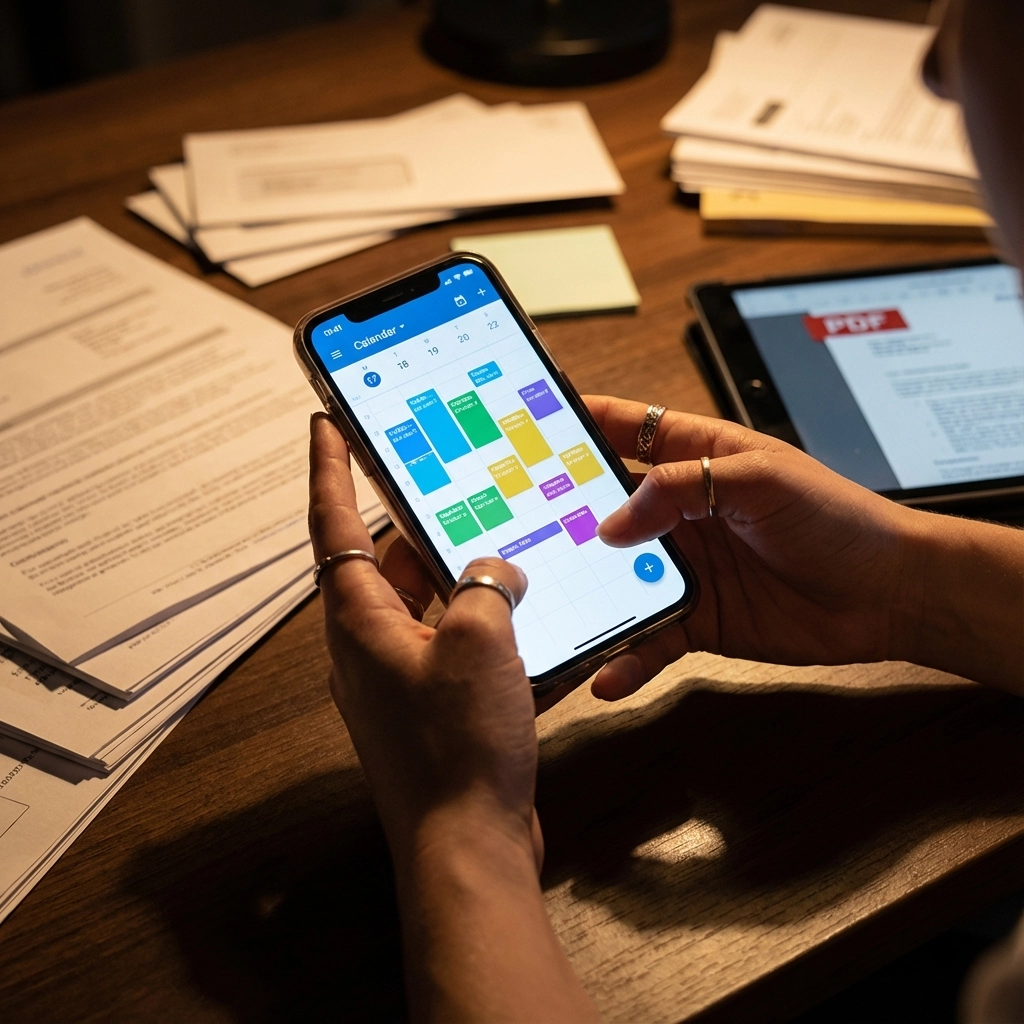
- PDF scanning: Pull events from documents, agendas, itineraries
- Image recognition: Extract text from screenshots or photos containing event details
- ICS file generation: Create standard calendar files for universal compatibility
The tool focuses on doing one thing exceptionally well: converting unstructured information into structured calendar events fast. You get clean, properly formatted events without manual data entry.
What This Means for Your Workflow
When you receive a complex email with multiple meeting times, project deadlines, and conference details, Text to Calendar can process the entire message and create separate calendar entries for each event. The extraction happens in seconds, not minutes of manual copying.
For teams handling client communications, conference planning, or project coordination, this specialized focus means fewer errors and faster turnaround times.
Task Automation: Integration vs Specialization
Alleo.ai's Broader Scope
Alleo.ai positions itself as a comprehensive productivity platform that handles both calendar scheduling and task management through AI-powered chat interfaces. The platform aims to be your single source for:
- Calendar event creation and management
- Task tracking and automation
- Context-aware AI assistance
- Integrated workflow management
This approach appeals to users who want everything in one place – calendar, tasks, and AI assistance working together seamlessly.
The Trade-off Question
Broader scope often means compromises in specialized functionality. While Alleo.ai offers more comprehensive productivity features, Text to Calendar's focused approach typically delivers faster, more accurate event extraction from complex sources like PDFs and images.
Platform Support and Integration
Text to Calendar Compatibility
Text to Calendar generates standard ICS files that work with:
- Google Calendar
- Outlook (all versions)
- Apple Calendar
- Any calendar app supporting ICS import
This universal compatibility means you're not locked into specific platforms. The tool works with your existing calendar setup instead of forcing you to switch ecosystems.
Integration Considerations
When evaluating either tool, consider your current tech stack:
- Email systems: How well does each integrate with your email platform?
- File sharing: Can you process documents from Dropbox, Google Drive, SharePoint?
- Team collaboration: Do you need shared calendars or individual extraction?
- Mobile access: How important is smartphone functionality for your workflow?
Speed and Accuracy Comparison
Processing Complex Documents
Both tools claim AI-powered processing, but speed and accuracy vary significantly with document complexity:
Simple text extraction: Both handle basic "meeting at 2pm Friday" scenarios well
Complex documents: Text to Calendar specializes in processing multi-page PDFs, conference agendas, and image files with varying text quality
Bulk processing: For handling multiple documents or long email threads, specialized extraction tools typically outperform general-purpose platforms
Real-World Performance
Consider your typical use cases:
- Processing single emails vs. bulk document conversion
- Simple meeting scheduling vs. complex event extraction
- Individual use vs. team coordination needs

Pricing and Value Considerations
Specialized Tool Economics
Text to Calendar's focused approach often means:
- Lower per-feature costs
- Pay-per-use or tiered pricing based on extraction volume
- No paying for features you don't need
Comprehensive Platform Pricing
Broader platforms like Alleo.ai typically offer:
- Subscription models covering multiple features
- Higher overall costs but potentially better value if you use all features
- More complex pricing tiers
Cost-Benefit Analysis Framework
Calculate your actual needs:
- Volume: How many events do you extract monthly?
- Complexity: Simple text vs. PDFs vs. images?
- Integration: Standalone tool vs. platform ecosystem?
- Team size: Individual vs. organization-wide deployment?
Making Your Choice: Questions to Ask
For Event-Heavy Workflows
If your primary need is converting various document types into calendar events:
- How often do you process PDFs, emails, or images containing event information?
- Do you need bulk processing capabilities?
- Is speed of extraction more important than comprehensive task management?
For Comprehensive Productivity
If you want unified task and calendar management:
- Are you willing to potentially sacrifice extraction speed for broader functionality?
- Do you prefer single-platform solutions over specialized tools?
- How important is AI chat assistance for your productivity workflow?
The Bottom Line
Text to Calendar excels when you need fast, accurate event extraction from diverse sources. It's the specialist tool for teams and individuals who handle lots of document-based scheduling information.
Alleo.ai works better when you want comprehensive productivity management with calendar functionality as one component of a broader workflow solution.
Your choice depends on whether you need a surgical tool for specific event extraction tasks or a Swiss Army knife for general productivity management.
Consider starting with whichever tool addresses your most frequent pain point. You can always add complementary tools later as your workflow evolves.
The key is matching tool capabilities to your actual daily tasks, not just the features that sound impressive in marketing materials.
Leave a Reply