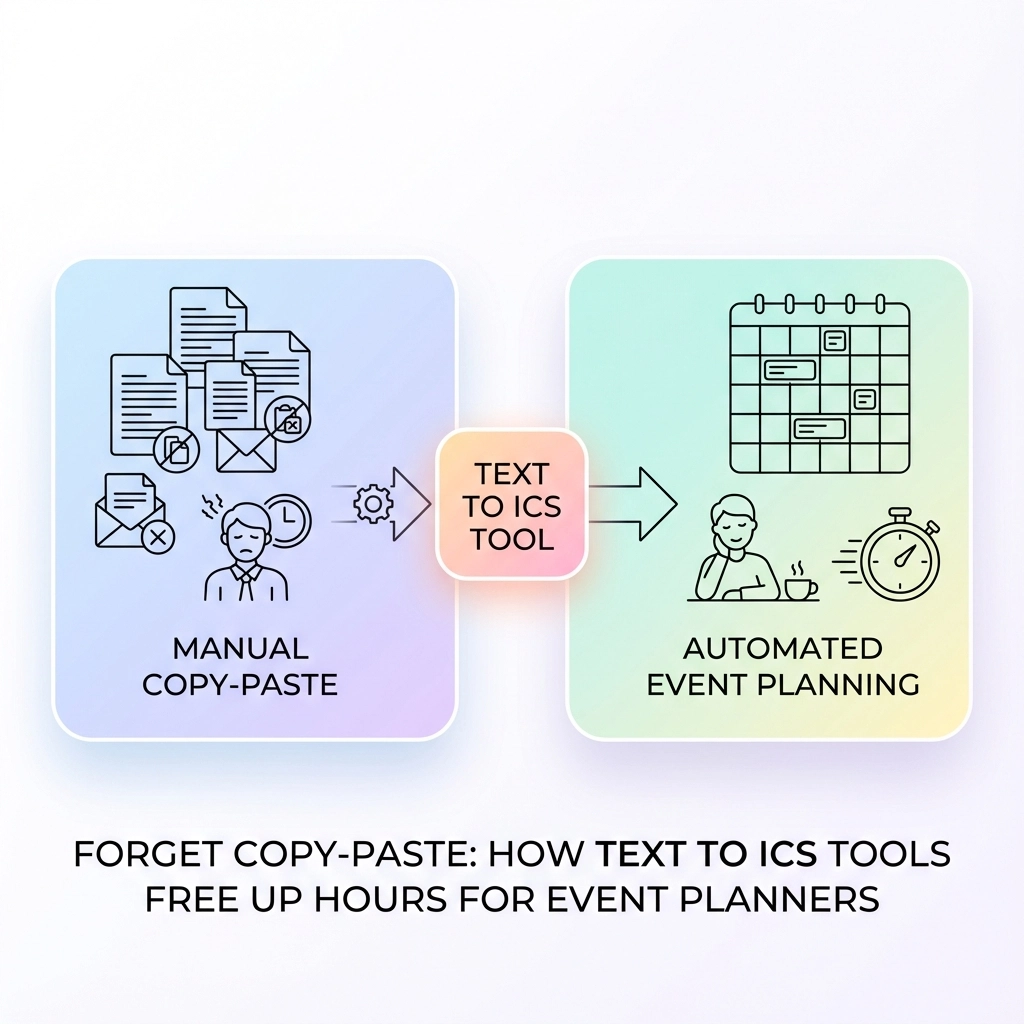
You're staring at an email with seventeen different event details scattered across three paragraphs. Meeting times buried between pleasantries. Venue addresses mixed with parking instructions. Conference dates hidden in marketing copy.
And you know what comes next. The dreaded copy-paste dance.
Open your calendar. Create new event. Copy the title. Switch back to email. Find the date. Switch to calendar. Type the date. Back to email for the time. Calendar again. Copy the location. Format the description.
Multiply this by every event notification, every client email, every conference announcement that hits your inbox. Event planners waste hours each week on this mind-numbing process.
There's a better way.
The Hidden Time Drain in Event Planning
Event planning involves juggling information from everywhere. Clients send meeting details via email. Venues share availability through PDFs. Speakers confirm sessions through text messages. Social media posts announce last-minute schedule changes.
Each piece of information requires manual translation into your calendar system. You're not just copying text: you're interpreting dates, converting time zones, formatting addresses, and ensuring nothing gets lost in translation.

The average event planner spends 2-3 hours per week just on manual calendar entry. That's 150 hours annually. Nearly four full work weeks dedicated to copy-paste operations instead of actual event planning.
Real-World Scenarios Where Manual Entry Kills Productivity
Scenario 1: Conference Planning
You receive speaker confirmations from twelve different presenters. Each email contains session times, room preferences, and A/V requirements formatted differently. Sarah writes "next Tuesday at 2 PM in Conference Room A." Michael sends "1400 hours on 03/15 in the Blue Room." Jennifer texts "Mar 15th – 2:00p – need projector – main hall."
Manual process: 45 minutes to decode, enter, and cross-reference all sessions.
Scenario 2: Client Meeting Coordination
A client forwards you a chain of emails about a project kickoff. The actual meeting details are buried in the fourth message: "Let's meet Thursday, March 20th at 10:30 AM at our downtown office (1234 Main Street, Suite 400) to discuss the Q2 campaign launch."
Manual process: 8 minutes to extract date, time, location, and purpose into calendar format.
Scenario 3: Vendor Schedule Integration
Your catering partner sends availability via PDF. Florist confirms delivery windows through WhatsApp. Musicians share sound check requirements in a Google Doc. Each vendor uses different date formats and terminology.
Manual process: 25 minutes to consolidate and enter all vendor schedules without conflicts.
How Text to ICS Tools Eliminate the Copy-Paste Nightmare
Text to ICS conversion tools use natural language processing to automatically detect and extract event information from any text source. Instead of manually parsing dates, times, and locations, these tools do the heavy lifting instantly.
The process works like this:
- Text Recognition: The tool scans your input for date patterns, time expressions, and location indicators
- Information Extraction: Advanced algorithms identify event components even when formatted inconsistently
- Calendar Formatting: Extracted data gets structured into standard calendar format
- ICS Generation: The tool creates a downloadable calendar file compatible with any calendar application
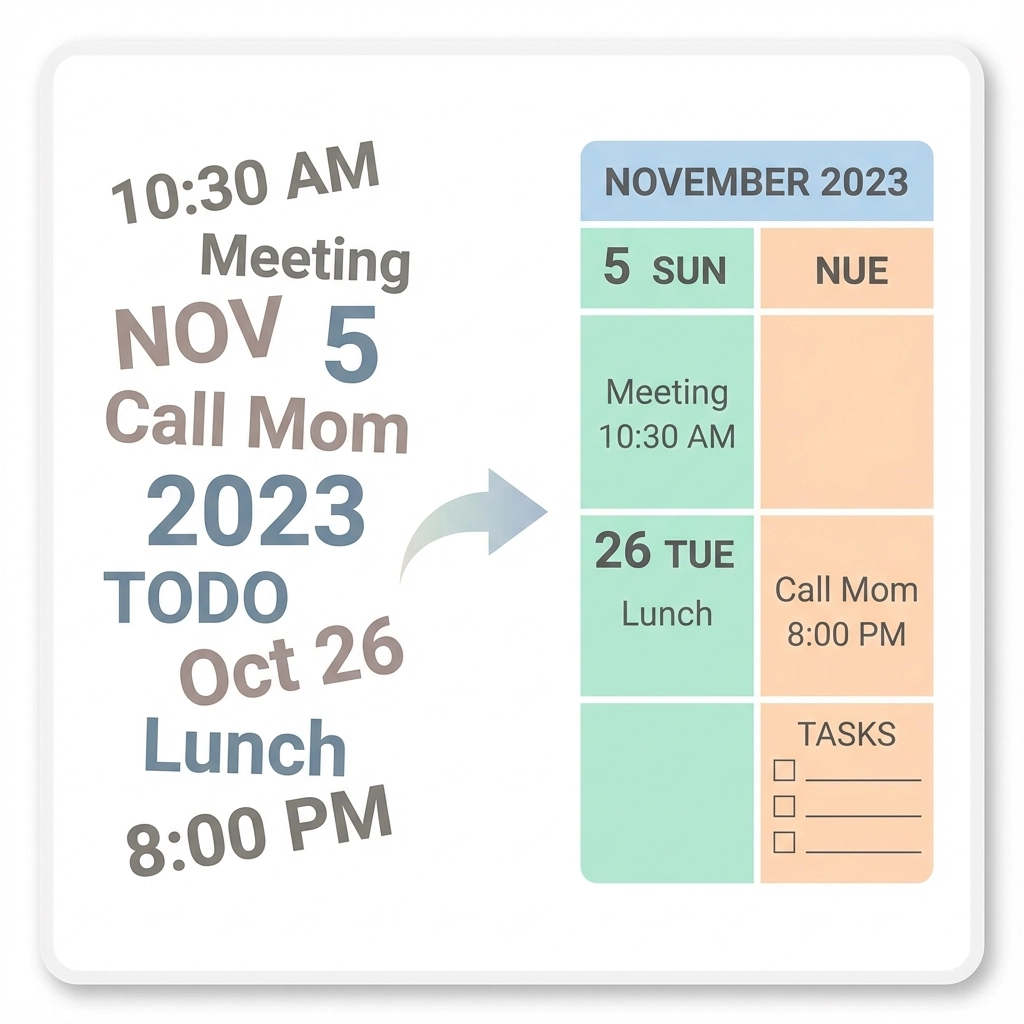
Step-by-Step: From Chaos to Calendar in 30 Seconds
Let's walk through converting that messy client email into a calendar event:
Step 1: Copy the Text
Grab everything from the email: "Let's meet Thursday, March 20th at 10:30 AM at our downtown office (1234 Main Street, Suite 400) to discuss the Q2 campaign launch."
Step 2: Paste into Text to ICS Tool
Visit a text to calendar conversion tool and paste your text.
Step 3: Review Extracted Data
The tool automatically identifies:
- Date: March 20th (current year assumed)
- Time: 10:30 AM
- Location: 1234 Main Street, Suite 400
- Title: Q2 campaign launch meeting
Step 4: Download ICS File
Click generate and download your calendar-ready file.
Step 5: Import to Any Calendar
Double-click the ICS file or import it directly into Google Calendar, Outlook, Apple Calendar, or any other calendar application.
Total time: 30 seconds instead of 8 minutes.
Specific Time Savings Across Common Tasks
Email-to-Calendar Conversion
- Manual method: 5-8 minutes per email
- Text to ICS: 30 seconds per email
- Time saved: 4-7 minutes per event
Bulk Event Processing
- Manual method: 45 minutes for 10 events
- Text to ICS with batch processing: 5 minutes for 10 events
- Time saved: 40 minutes per batch
Cross-Platform Scheduling
- Manual method: 15 minutes to enter same event across three calendar systems
- Text to ICS: 30 seconds to generate one file that imports everywhere
- Time saved: 14.5 minutes per multi-platform event

Beyond Time Saving: Error Reduction and Accuracy
Manual entry introduces transcription errors. You misread "3 PM" as "2 PM." You forget the time zone. You transpose the venue address. These mistakes cascade into scheduling conflicts, missed meetings, and client frustration.
Text to ICS tools eliminate human error in several ways:
Date Pattern Recognition: Tools distinguish between different date formats automatically. Whether someone writes "March 15," "3/15," or "Mar 15th," the tool interprets correctly.
Time Zone Handling: Advanced tools detect and preserve time zone information, preventing the common mistake of scheduling meetings in the wrong zone.
Location Standardization: Address recognition ensures venue information stays consistent and searchable across all calendar entries.
Integration Benefits for Modern Event Planning
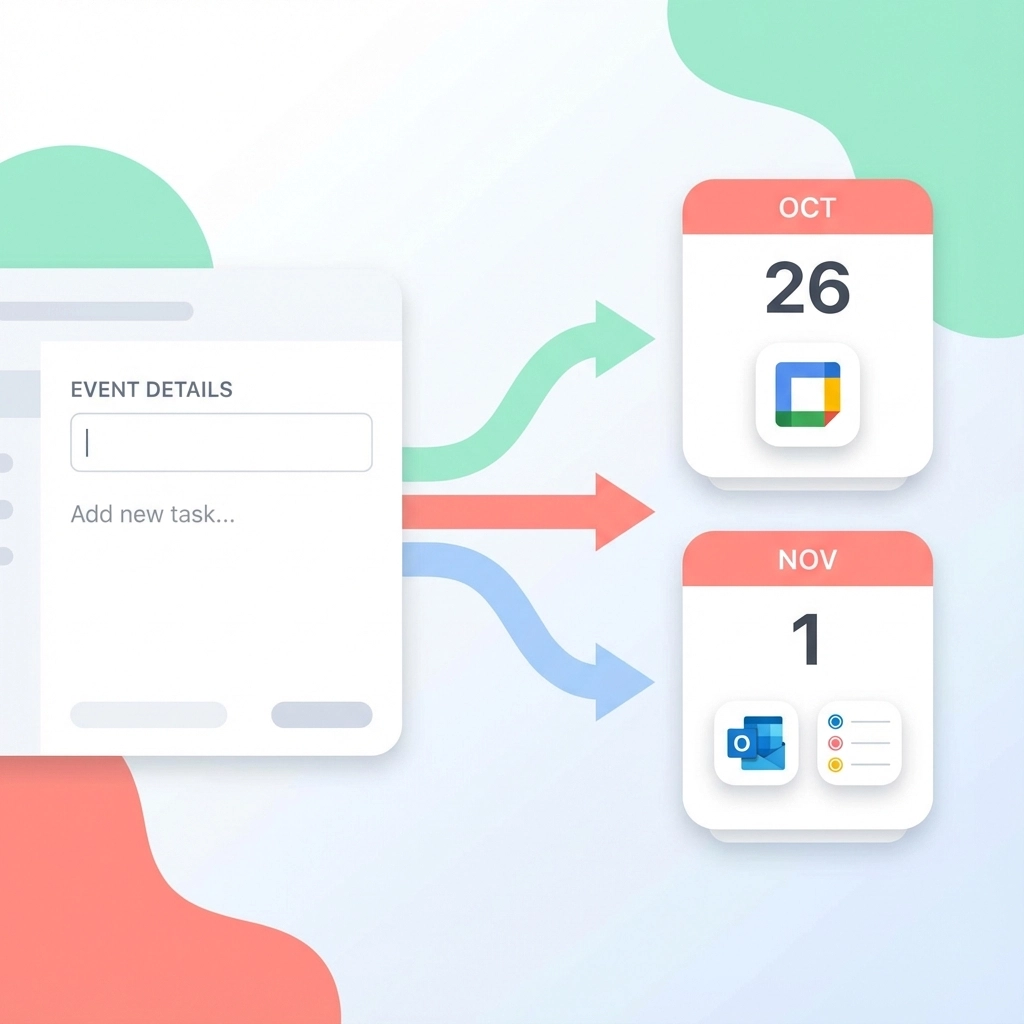
Modern event planning happens across multiple platforms. You use Google Calendar for personal scheduling, Outlook for corporate events, and Apple Calendar for quick mobile entry. Text to ICS tools generate universal calendar files that work everywhere.
Cross-Platform Compatibility
ICS files import cleanly into:
- Google Calendar
- Microsoft Outlook
- Apple Calendar
- Mozilla Thunderbird
- Yahoo Calendar
- Any calendar application supporting the iCalendar standard
Team Collaboration
Generate one ICS file and share it with your entire team. Everyone imports the same accurate event information without individual manual entry.
Client Communication
Send calendar files directly to clients instead of expecting them to manually add events from your emails. Professional and convenient.
Advanced Features That Multiply Productivity
Bulk Processing
Process entire email chains or documents containing multiple events. Some tools can extract dozens of events from conference agendas or event schedules in one operation.
Smart Interpretation
Modern tools understand context. "Next Tuesday" gets converted to the actual date. "Lunch meeting" automatically suggests 12:00 PM if no time is specified.
Custom Field Mapping
Map specific text patterns to calendar fields. If your organization always puts room numbers in parentheses, the tool learns this pattern.
Recurring Event Detection
Tools can identify recurring patterns and create repeating calendar entries automatically.
Pro Tips for Maximum Efficiency
Tip 1: Standardize Your Text Sources
Encourage clients and vendors to use consistent formats when sending event information. Create email templates with clear date/time/location sections.
Tip 2: Batch Similar Tasks
Process all venue confirmations together. Handle speaker schedules in one session. Grouping similar conversion tasks improves focus and speed.
Tip 3: Review Before Importing
Always verify extracted information before importing to your main calendar. Tools are accurate but not perfect: especially with ambiguous dates or unusual formatting.
Tip 4: Create Template Events
Use converted events as templates for similar future events. Modify dates and details rather than starting from scratch.
When Manual Entry Still Makes Sense
Text to ICS tools handle 90% of event planning scenarios, but some situations still require manual approach:
- Complex multi-day events with varying daily schedules
- Events with extensive custom fields specific to your organization
- Highly sensitive information requiring manual verification
- Integration with specialized event management software requiring specific formatting
Getting Started: Your First Text to ICS Conversion
Ready to reclaim those lost hours? Start with one email containing event details.
Copy the relevant text. Visit Text to Calendar and paste your information. Review the extracted details. Generate your ICS file. Import to your calendar.
Time it. Compare to your usual manual process.
That time difference? Multiply it by every event you process weekly. Those are the hours you can redirect toward actual event planning instead of administrative copy-paste work.
Your calendar management doesn't have to be a time sink. Tools exist to handle the tedious parts automatically. Use them.
Leave a Reply