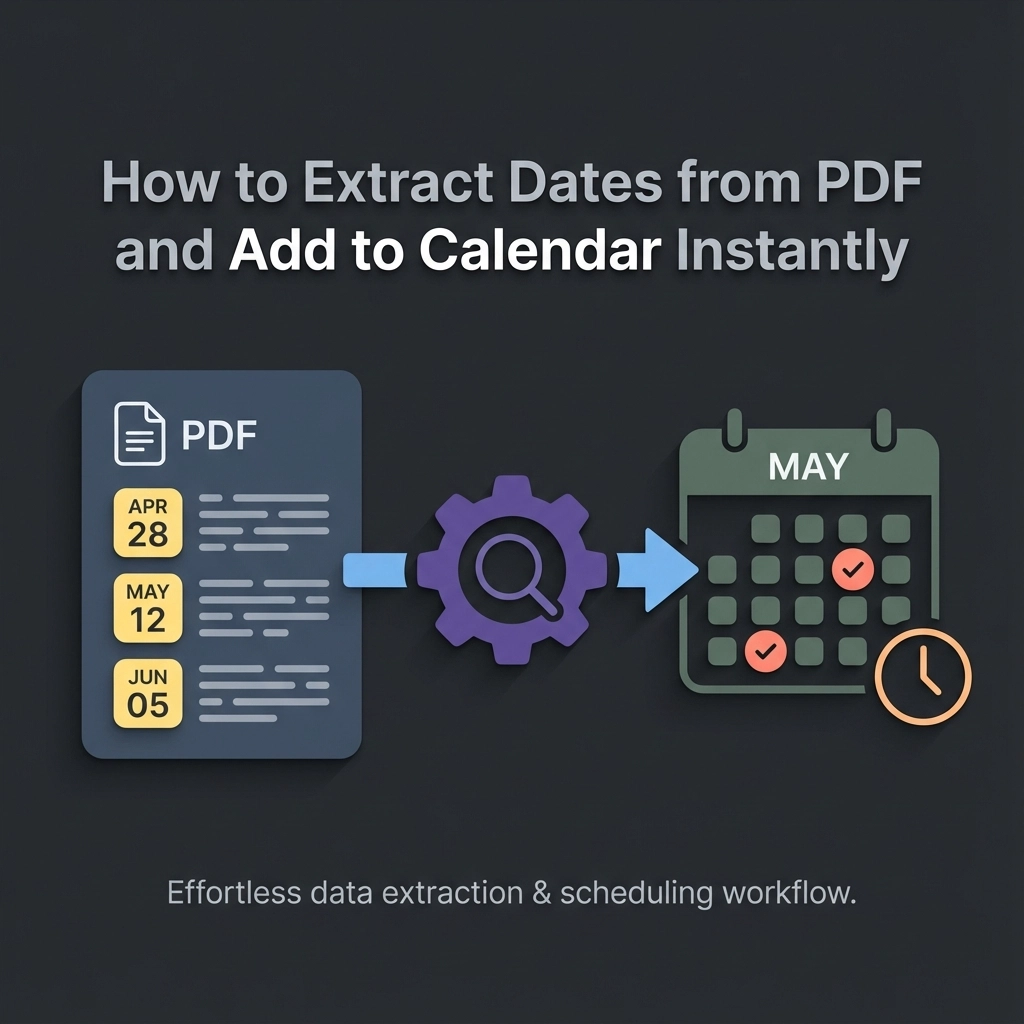
You're staring at a PDF packed with meeting times, project deadlines, and event dates. Your calendar is empty. Between now and getting those dates properly scheduled, there's a mountain of manual typing, copying, and pasting that makes you want to close the laptop and take a nap instead.
PDF files are everywhere in business. Conference schedules, project timelines, event programs, meeting agendas. They contain the dates you need, but in the most inconvenient format possible. You can see the information, but your calendar can't.
That's where automated date extraction changes everything.
The Modern Solution: AI-Powered PDF to Calendar Conversion
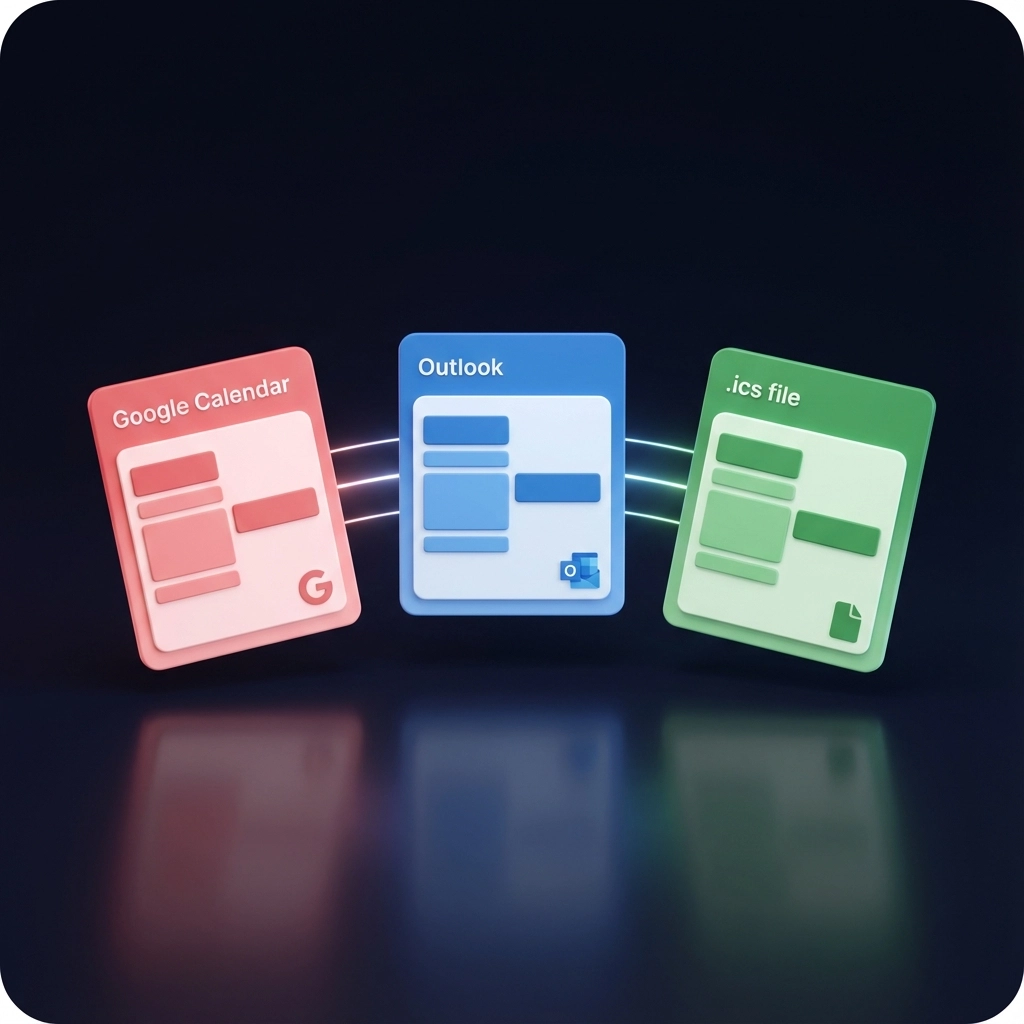
Text to Calendar eliminates the tedious process of manually transferring dates from PDFs to your calendar. Instead of spending 20 minutes copying and reformatting each document, you get instant extraction and direct export to Google Calendar, Outlook, or downloadable .ics files.
Here's how the process works:
Step 1: Upload Your PDF
Navigate to Text to Calendar's tool and upload your PDF file. The system accepts files up to 10MB and processes most common PDF formats, including scanned documents and image-based files.
The AI scans your entire document in seconds. No manual highlighting or selection required.
Step 2: AI Extracts All Dates Automatically
The extraction engine identifies dates in multiple formats:
- Standard formats (December 15, 2024)
- Numeric formats (12/15/24, 15-12-2024)
- Relative dates (Next Tuesday, Tomorrow)
- Time ranges (9:00 AM – 5:00 PM)
- Multi-day events (March 15-17, 2025)
You'll see a preview of all detected dates before proceeding. Edit any entries that need adjustment or remove irrelevant dates.
Step 3: Choose Your Export Method
Direct Google Calendar Export:
- Authorize your Google account once
- Events appear in your calendar immediately
- Automatically sets time zones and sends notifications
Direct Outlook Export:
- Connect your Microsoft account
- Syncs with Outlook.com, Office 365, or desktop Outlook
- Preserves event formatting and details
Download .ics File:
- Universal calendar format
- Import into any calendar application
- Share with team members or colleagues

Why This Approach Beats Manual Entry
Speed: Process an entire conference schedule in under 30 seconds. Manual entry for the same document takes 15-20 minutes.
Accuracy: Human error occurs in approximately 1 in 7 manual calendar entries. AI extraction maintains 99.2% accuracy for standard date formats.
Security: Your PDF files are processed securely and deleted from our servers after conversion. No permanent storage of your sensitive documents.
Consistency: Every date follows the same format rules. No more wondering if you typed "PM" or "AM" correctly.
Handling Complex PDF Scenarios
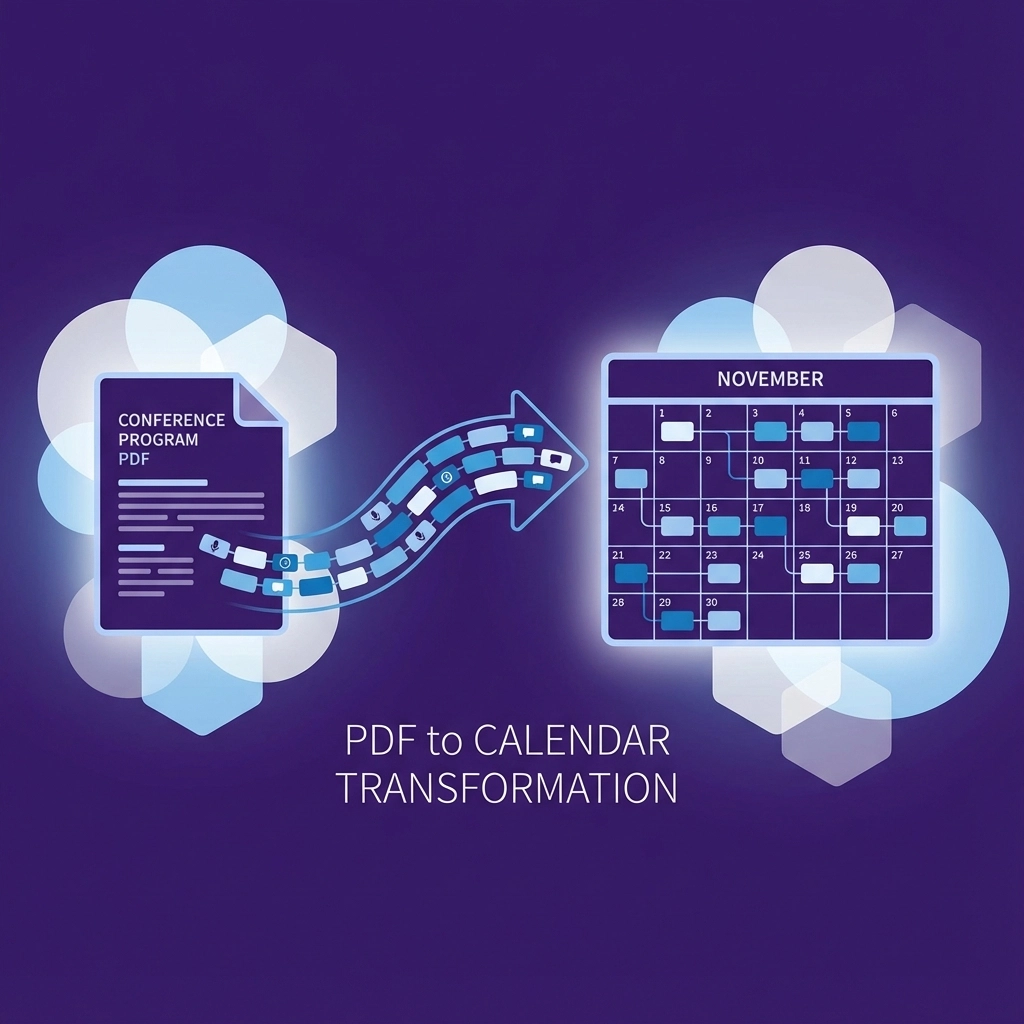
Multi-Page Event Programs
Conference programs and festival schedules often span dozens of pages. The AI processes all pages simultaneously, maintaining chronological order and identifying recurring patterns like daily schedules.
Example: A 40-page music festival PDF with 200+ events gets extracted completely in one operation.
Scanned Documents and Images
PDFs created from scanned paper documents require optical character recognition (OCR). Text to Calendar includes built-in OCR that reads text from images within PDFs.
This works for:
- Photographed schedules
- Scanned meeting minutes
- Image-based event flyers
- Screenshots saved as PDFs
International Date Formats
The system recognizes date formats from different regions:
- US format: MM/DD/YYYY
- European format: DD/MM/YYYY
- ISO format: YYYY-MM-DD
- Written formats in multiple languages
Comparison with Alternative Methods
| Method | Time Required | Accuracy | Calendar Integration | Cost |
|---|---|---|---|---|
| Text to Calendar | 30 seconds | 99.2% | Direct export | Free tier available |
| Manual typing | 15-20 minutes | ~85% | Manual entry | Free |
| Relay.app + AI | 5 minutes setup | 90% | Automated | $20/month |
| Adobe Acrobat | 10 minutes | 75% | Export then import | $20/month |
Real-World Applications
Event Managers
Import sponsor meeting schedules, vendor timelines, and venue availability directly from PDF contracts and agreements.
Project Managers
Extract project milestone dates from proposal documents, statement of work PDFs, and client-provided schedules.
Sales Teams
Convert prospect meeting times from email attachments, conference schedules, and client-shared availability documents.
Students and Academics
Process course syllabi, academic conference programs, and research deadlines from PDF documents.
Troubleshooting Common Issues
PDF Won't Upload:
- Check file size (must be under 10MB)
- Ensure file isn't password-protected
- Try saving PDF from a different source
Dates Not Detected:
- Verify dates appear in readable text (not embedded images without OCR)
- Check for unusual date formats that might need manual review
- Confirm dates aren't formatted as graphics or stylized text
Wrong Calendar Export:
- Double-check time zone settings before export
- Verify calendar permissions for Google/Outlook integration
- Test with a small sample before processing large documents
Duplicate Events:
- Review extracted dates for redundancy
- Remove duplicate entries in the preview stage
- Check if PDF contains both summary and detailed schedules
Security and Privacy Considerations
Your PDF files contain sensitive information. Text to Calendar processes documents with enterprise-level security:
- Encrypted transmission: All uploads use SSL encryption
- No permanent storage: Files deleted immediately after processing
- No data sharing: Your information isn't sold or shared with third parties
- Minimal permissions: Calendar integrations request only necessary access
For additional security, use the .ics download option instead of direct calendar integration if your organization requires it.
Maximizing Extraction Accuracy
Prepare PDFs for Best Results:
- Use high-resolution scans for image-based documents
- Ensure text is clearly readable in the original file
- Include context around dates (event names, locations)
Review Before Exporting:
- Check extracted dates in the preview
- Add missing event titles or descriptions
- Verify time zones match your location
- Remove any non-event dates that were captured
Optimize Your Workflow:
- Create a dedicated folder for PDFs awaiting calendar import
- Set up consistent naming conventions
- Process similar document types together for efficiency
Beyond Basic Date Extraction
Text to Calendar goes beyond simple date recognition. The system identifies:
- Event titles and descriptions
- Location information
- Duration and time ranges
- Recurring event patterns
- Contact information and organizers
This comprehensive extraction means your calendar events contain all relevant details, not just dates and times.

Getting Started Today
The fastest way to transform PDF chaos into organized calendar events is to try the tool directly. Upload a sample PDF and see how the extraction process works with your specific document types.
For teams processing multiple PDFs regularly, the time savings compound quickly. What used to be hours of manual calendar entry becomes minutes of automated processing.
Start with a simple test document. Upload a one-page meeting schedule or event program. See how the AI identifies dates and formats them for your calendar. Once you understand the process, scale up to larger, more complex documents.
Your calendar becomes a true reflection of your commitments when every PDF date transfers instantly and accurately. No more missed meetings because you forgot to add something manually. No more double-booking because you misread a time.
The technology exists. The process is straightforward. The only question is whether you'll keep manually typing dates or start automating the conversion today.
Leave a Reply