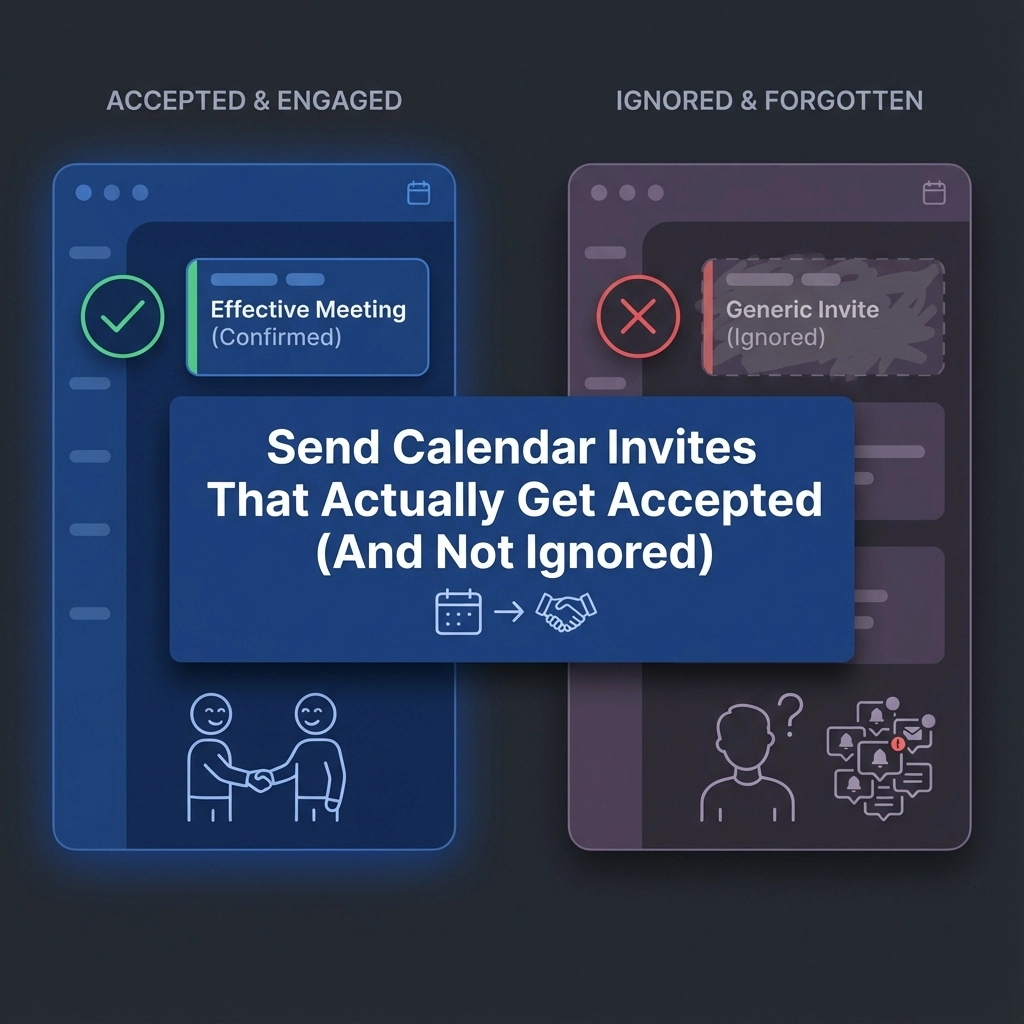
You've sent dozens of calendar invites this week. Half got ignored. A quarter got declined. The rest? Radio silence.
Sound familiar? You're not alone. Event planners and team leaders everywhere watch their carefully crafted meeting invitations disappear into digital black holes. Your recipients are drowning in calendar clutter, and your invite just became another piece of noise.
But here's the thing: acceptance rates aren't random. They follow patterns. And once you understand these patterns, you can engineer invites that people actually want to accept.
Why Most Calendar Invites Get Ignored
Before diving into solutions, let's understand the problem. Your recipients receive 15-30 calendar invites per week. They're making split-second decisions about which ones deserve attention.
Most invites fail because they:
- Require too much mental effort to process
- Don't clearly communicate value
- Arrive at terrible times
- Feel generic and impersonal
- Make declining feel awkward
The good news? Each of these issues has a fix.
The 5-Second Rule: Make Acceptance Effortless
Your invite has exactly five seconds to communicate three things: what, when, and why they should care. If any of these require detective work, you've lost them.
Structure your invite title like this:
- Bad: "Quick sync"
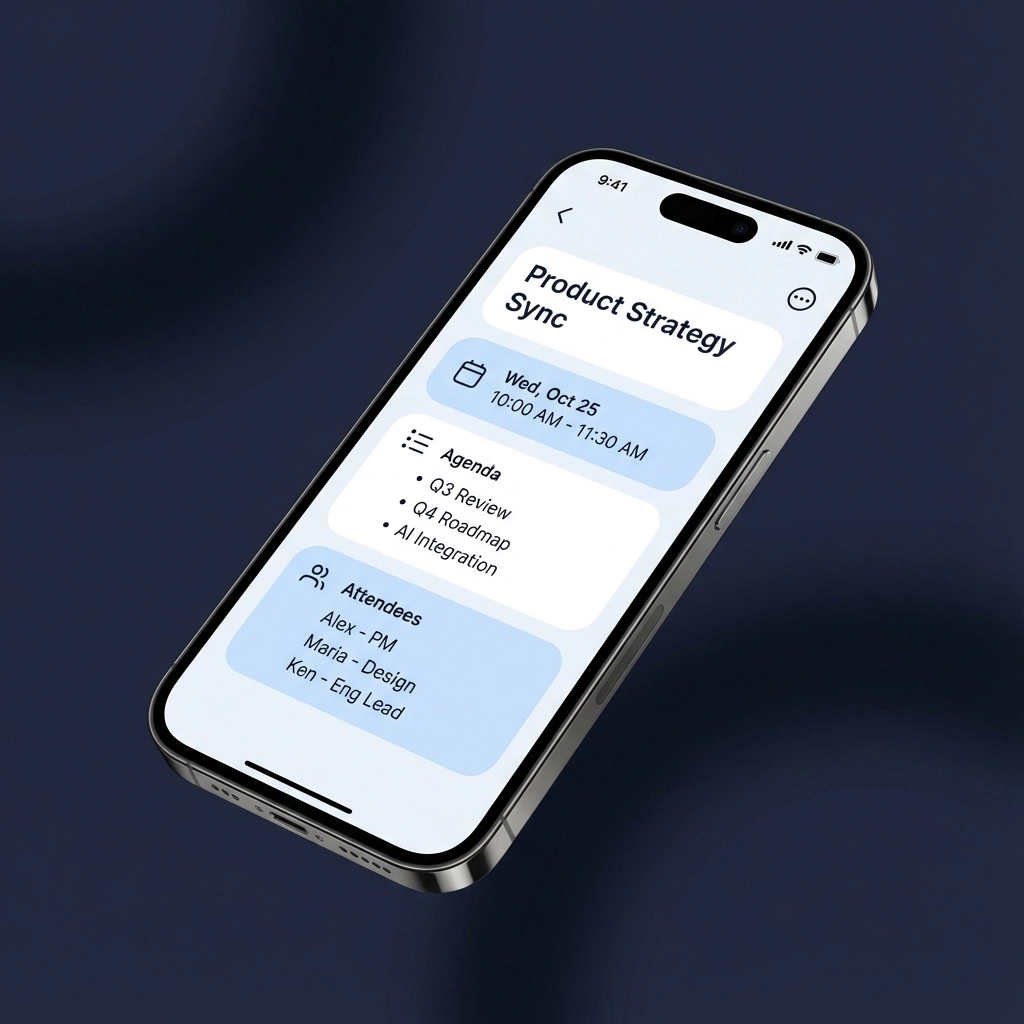
- Good: "Q4 Budget Review – 30 mins – Your input needed"
The difference is immediate clarity. Recipients know exactly what they're committing to and why their presence matters.
Include everything they need upfront:
- Agenda with specific topics
- Expected duration (be realistic)
- Their role in the meeting
- Pre-work requirements (if any)
- Virtual/physical location details
Timing: The Hidden Acceptance Rate Killer
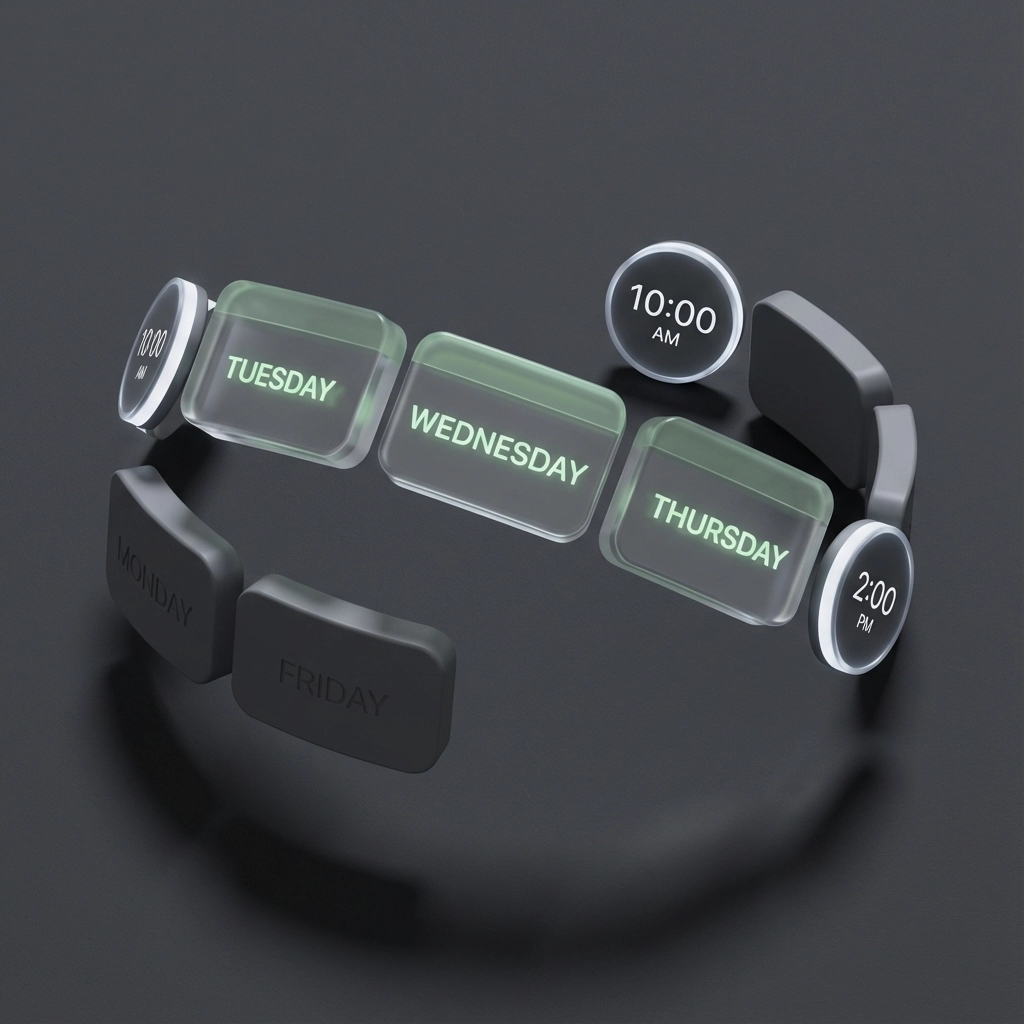
When you send your invite matters as much as what you write. Data shows Tuesday through Thursday invites get 40% higher acceptance rates than Monday or Friday requests.
Optimal sending windows:
- Tuesday-Thursday: 10 AM – 2 PM
- Avoid Mondays (people are catching up)
- Avoid Fridays after 3 PM (weekend mode activated)
- Send 1-2 weeks in advance for best results
Meeting time sweet spots:
- Tuesday-Thursday: 10 AM – 4 PM
- Avoid 9 AM Monday meetings
- Skip Friday afternoon slots
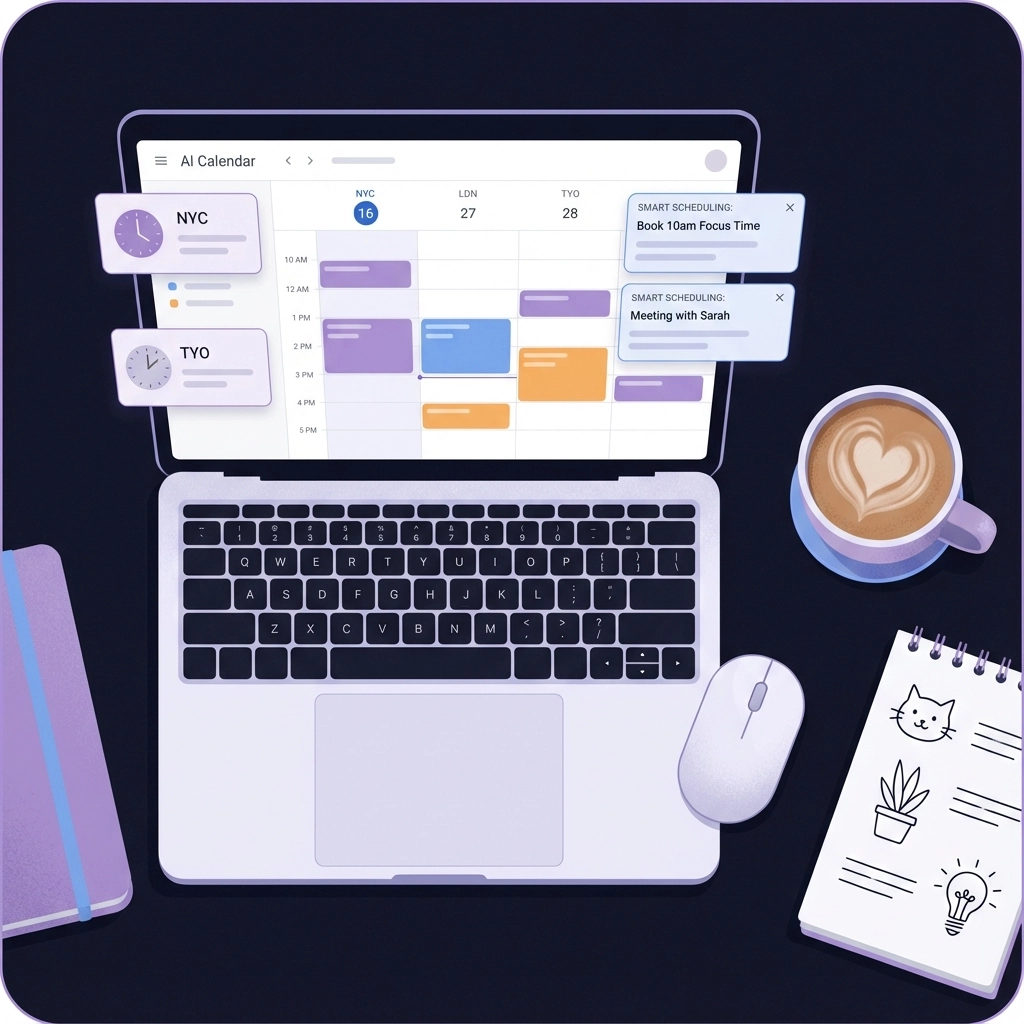
- Consider time zones for remote teams
For recurring meetings, analyze your acceptance patterns. Some teams respond better to morning check-ins, others prefer afternoon deep dives.
Personalization That Actually Works
Generic invites scream "mass distribution." Personal ones feel intentional and important.
But personalization doesn't mean writing novels. It means showing you've thought about their specific contribution.
Instead of: "Please join our planning meeting"
Try: "Sarah, we need your client insights for the Q1 campaign strategy"
Template for targeted personalization:
- Use their name in the subject line
- Reference their expertise or recent work
- Explain their unique value to this meeting
- Make their absence feel like a missed opportunity
How AI Transforms Calendar Invite Success
This is where automation becomes your secret weapon. AI tools can analyze your historical acceptance rates and suggest optimal timing, personalization, and follow-up strategies.
AI-powered improvements:
- Smart scheduling: Analyzes recipient calendars to suggest times with highest acceptance probability
- Personalization at scale: Automatically customizes invite language based on recipient roles and past interactions
- Follow-up optimization: Determines the best time and method for reminders
- Content suggestions: Recommends agenda items and meeting structures based on similar successful meetings
Tools like Text to Calendar can automatically extract meeting details from your notes, emails, or documents, then generate properly formatted invites with all the context recipients need to make quick decisions.
The Follow-Up Formula That Converts
One invite rarely does the job. You need a systematic follow-up approach that feels helpful, not pushy.
The 3-touch system:
- Initial invite: Clear, detailed, personalized
- Gentle reminder (48 hours later): Add context or urgency if circumstances changed
- Final follow-up (24 hours before RSVP deadline): Make declining easy and guilt-free
Sample follow-up language:
"Hi Sarah, following up on the Q1 planning invite. If Thursday doesn't work, I can share the key decisions with you afterward. Just let me know either way so I can plan accordingly."
This approach removes pressure while maintaining engagement. People appreciate the escape route.
Event Planner Pro Tips
As an event planner, your acceptance rates directly impact event success. Here's how to maximize them:
For large events:
- Segment your audience and customize messaging
- Use social proof ("50+ industry leaders already confirmed")
- Create FOMO with limited capacity messaging
- Offer multiple response channels (email, phone, web form)
For internal team meetings:
- Reference recent wins or challenges that make the meeting relevant
- Include "meeting-free" alternatives when appropriate
- Use recurring slots people already know and expect
- Make declining easy with clear alternatives
Advanced Acceptance Strategies
Once you've mastered the basics, these advanced techniques can push your acceptance rates even higher:
The Scarcity Approach: "Limited to 8 participants for quality discussion"
The Collaboration Angle: "Your input will directly shape our Q2 strategy"
The Preparation Hook: "I'll send the agenda Thursday so you can come prepared"
Multi-channel coordination:
- Send calendar invites through your scheduling system
- Follow up via Slack or Teams for immediate visibility
- Use SMS for last-minute confirmations (with permission)
Measuring and Improving Your Results
Track these metrics to identify improvement opportunities:
- Response rate: Percentage who respond (accept or decline)
- Acceptance rate: Percentage who accept
- Show-up rate: Percentage who actually attend
- Time to response: How quickly people respond
Red flags in your data:
- Response rates below 70%
- Acceptance rates below 50%
- Show-up rates below 90% of acceptances
If you're hitting these warning signs, revisit your timing, personalization, and value communication.
Making It Automatic
The most successful event planners and team leaders automate their invitation workflow. They use templates for common meeting types, schedule sends for optimal timing, and set up reminder sequences that run without manual intervention.
Text to Calendar's AI tools can help streamline this entire process. Instead of manually crafting each invite, you can extract meeting details from your planning documents and generate properly formatted, personalized invites that follow best practices automatically.
Implementation Checklist
Ready to improve your acceptance rates? Start here:
This week:
- Audit your recent invites – what's working and what isn't?
- Create templates for your most common meeting types
- Identify your optimal sending times based on past data
This month:
- Implement the 3-touch follow-up system
- A/B test different subject line approaches
- Start tracking response and acceptance metrics
Ongoing:
- Review and refine your approach monthly
- Stay updated on your team's scheduling preferences
- Consider AI tools for automation and optimization
Your calendar invites don't have to compete in a attention economy race to the bottom. With clear communication, strategic timing, and the right tools, you can send invites that people actually want to accept.
The difference between ignored invites and accepted ones often comes down to respect – respecting your recipients' time, intelligence, and busy schedules. Make acceptance easy, value clear, and attendance worthwhile. Your acceptance rates will follow.
Leave a Reply