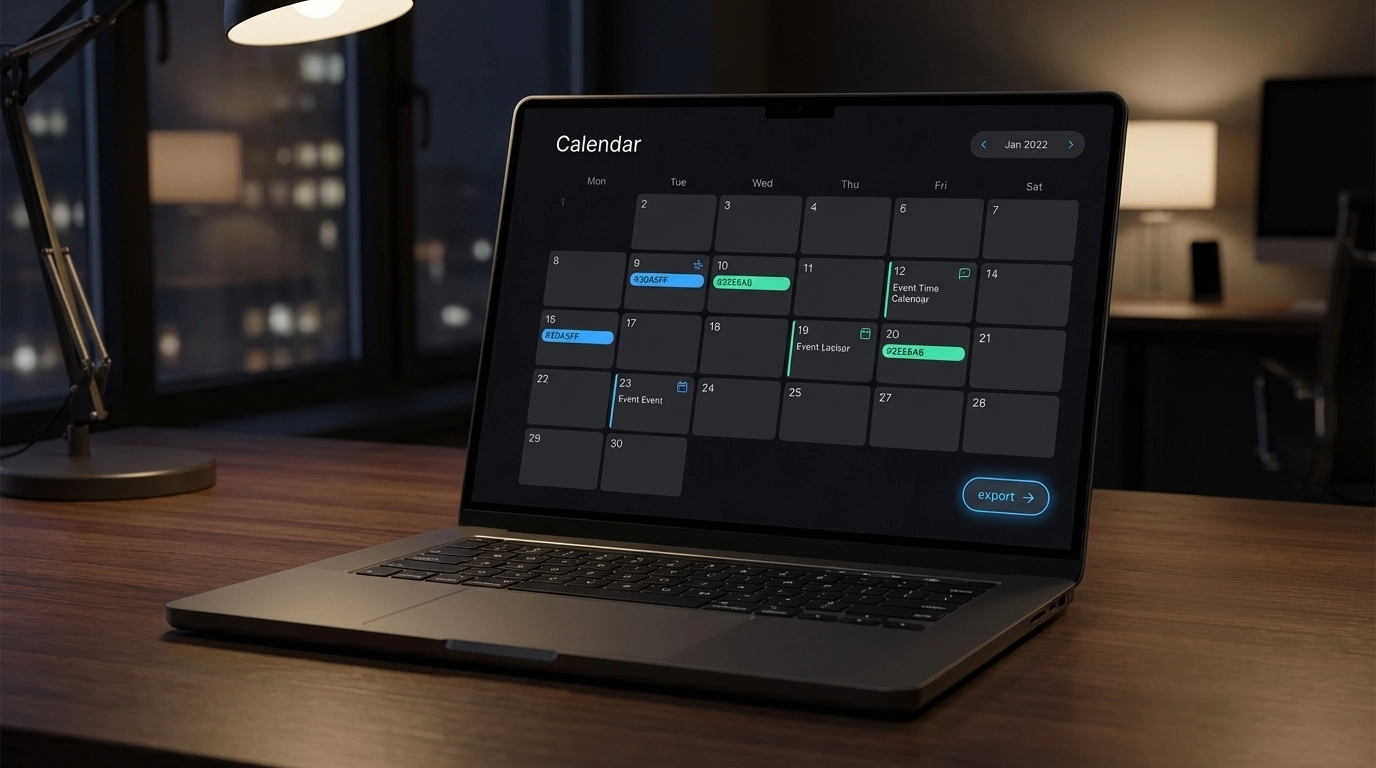
You're drowning in emails, meeting notes, and documents filled with dates and events. Your calendar looks like a ghost town while your inbox overflows with scheduling information that somehow never makes it to your actual calendar. Sound familiar?
The manual process of copying dates, times, and details from text into calendar entries eats up hours of your week. Even worse, you're probably missing important deadlines and meetings because they're buried in email threads or scattered across different documents.
What Is Smart Calendar Extraction?
Smart calendar extraction uses AI to automatically identify dates, times, locations, and event details from any text source. Instead of manually reading through emails, documents, or notes to find scheduling information, the technology does the heavy lifting for you.
Think of it as having a personal assistant who never gets tired of reading through your emails and documents, spotting every single date mention, and organizing them into proper calendar events.
The "smart" part comes from natural language processing. The AI understands context. It knows the difference between "I was born in 1990" and "Let's meet on December 15th at 3 PM." It can extract complex scheduling information like "every Tuesday from 2-4 PM starting next month" or "quarterly review meeting the first Friday of each quarter."
The Export Revolution: Direct Integration with Google Calendar and Outlook
Here's where things get interesting. Traditional calendar extraction tools make you download files or copy-paste information. That's still manual work, just dressed up differently.
Our latest update changes everything. You can now export extracted events directly to Google Calendar and Outlook with a single click. No downloads. No file management. No copying and pasting.
How One-Click Export Works
The process is straightforward:
- Paste your text – Email content, meeting notes, project timelines, whatever contains dates
- AI extracts events – The system identifies all calendar-worthy information automatically
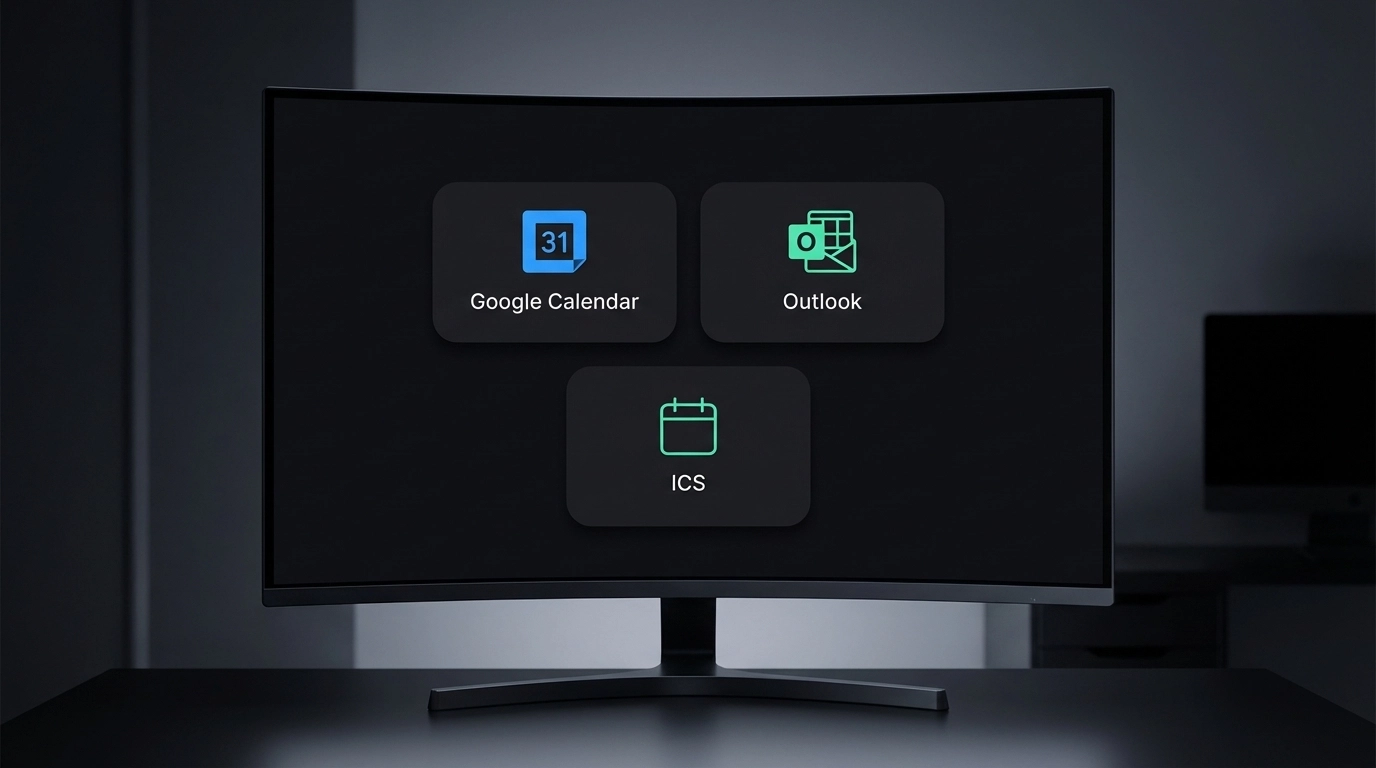
- Choose your destination – Google Calendar, Outlook, or download as ICS file
- Click export – Events appear in your calendar within seconds
The integration uses secure API connections with both Google and Microsoft. Your calendar permissions stay under your control. The tool only adds events – it never reads your existing calendar data.
Why This Matters for Different User Types
For Busy Professionals
You handle dozens of client communications daily. Each email thread contains multiple meeting requests, deadline mentions, and project timelines.
Instead of switching between your email and calendar apps constantly, you process all scheduling information in one batch. Copy the relevant email content, run it through smart extraction, and push everything to your calendar in under a minute.
For Project Managers
Project documentation is dense with dates. Milestone deadlines, team meetings, deliverable schedules, stakeholder reviews. Traditional project management tools are great for planning, but terrible for getting dates into your personal calendar quickly.
Smart extraction handles complex project schedules. It understands dependencies, recurring meetings, and deadline chains. Export everything to your calendar and never miss a project deadline again.
For Event Coordinators
Event planning involves juggling multiple calendars, vendor schedules, and coordination timelines. You're constantly pulling dates from contracts, vendor emails, and planning documents.
The extraction tool handles multi-day events, setup and breakdown schedules, vendor arrival times, and coordination meetings. Export directly to your working calendar and share ICS files with team members who use different calendar platforms.
Technical Advantages That Actually Matter
Natural Language Processing Accuracy
The AI recognizes date formats across different languages and regional conventions. "March 3rd," "3/3/2024," "3 Mar," and "next Friday" all get processed correctly. Time zones are detected from context clues in the text.
The system handles ambiguous dates intelligently. When it encounters "next Tuesday," it calculates the correct date based on when you're processing the text. Past dates get flagged for review instead of being automatically scheduled.
Error Prevention Built-In
Manual calendar entry is error-prone. You're rushing, distracted, or dealing with complex scheduling information. Typos happen. Time zones get confused. AM and PM get switched.
Smart extraction reduces these errors significantly. The AI double-checks its work, flagging uncertain extractions for your review. It maintains context throughout long documents, ensuring related events get properly linked.
Batch Processing Efficiency
Instead of processing events one by one, you handle them in batches. Paste a week's worth of emails, extract all events simultaneously, and export everything at once.
This approach scales to large volumes. Process monthly project updates, quarterly planning documents, or annual event schedules with the same effort as handling a single email.
Practical Examples in Action
Email Thread Processing
You receive a client email: "Let's schedule our quarterly review for January 15th at 2 PM EST. We'll also need a follow-up meeting the following week, probably Thursday afternoon, and I want to set up a project kickoff for February 1st at 10 AM."
Manual processing: Read through the email, identify three separate events, check your calendar for conflicts, create three calendar entries with proper titles and details. Time required: 5-8 minutes.
Smart extraction: Copy the email text, paste it into the tool, review the three auto-detected events, export to your calendar. Time required: 30 seconds.
Meeting Notes Conversion
Your meeting notes contain: "Action items due by Friday, follow-up call scheduled for next Tuesday 3 PM, quarterly presentation moved to March 20th, team building event second Thursday in April."
The AI extracts four distinct calendar events, calculates the correct dates for relative references like "next Tuesday" and "second Thursday in April," and creates properly titled events with relevant details.
Document Processing
Project documentation mentions dozens of dates scattered throughout timelines, milestone charts, and deliverable schedules. Instead of manually hunting through the document and creating calendar entries one by one, you process the entire document in a single pass.
Comparing Manual vs. Automated Approaches
| Task | Manual Method | Smart Extraction | Time Savings |
|---|---|---|---|
| Single email with 3 meetings | 5-8 minutes | 30 seconds | 85-90% |
| Weekly email batch (15 events) | 45-60 minutes | 3-5 minutes | 90-92% |
| Monthly project timeline | 2-3 hours | 15-20 minutes | 85-90% |
| Conference schedule import | 30-45 minutes | 2-3 minutes | 93-95% |
Getting Started with Smart Extraction
Setting Up Your Accounts
Before using one-click export, you'll need to connect your Google Calendar or Outlook account. The authorization process uses secure OAuth protocols. You grant permission only for adding new events – the tool never accesses your existing calendar data.
Both Google and Microsoft provide detailed permission controls. You can revoke access anytime through your account settings.
Best Practices for Text Preparation
While the AI handles messy text well, a few preparation steps improve accuracy:
- Include context: "Meeting with John Smith on Friday" works better than just "Friday meeting"
- Preserve original formatting: Don't strip line breaks or formatting from emails
- Keep time zones: Include "EST," "PST," or "UTC" when mentioned in source text
- Maintain chronological order: When possible, paste events in the order they appear in source documents
Handling Edge Cases
Recurring events: The system detects patterns like "every Monday" or "first Friday of each month" but may need clarification on end dates. Review recurring events before export.
All-day events: Date mentions without specific times get flagged as all-day events. You can adjust timing before export if needed.
Cross-timezone scheduling: When source text mentions multiple time zones, the tool flags these for manual review to ensure correct conversion.
Integration with Existing Workflows
Smart extraction fits into your current process without requiring workflow changes. You're already reading emails and documents – now you just copy relevant scheduling information and process it in batches.
The tool works alongside your existing calendar apps, project management software, and communication tools. It's not trying to replace your current setup – it's eliminating the manual data entry bottleneck.
For teams, the ICS export option means you can extract events and share them with colleagues regardless of which calendar platform they use. Everyone gets the same accurate scheduling information.
Security and Privacy Considerations
Calendar data is sensitive. The extraction tool processes text locally when possible, only connecting to calendar APIs during the actual export process.
Your text input isn't stored permanently. Processing happens in real-time, events are extracted, and source text is discarded. The system maintains logs for debugging but doesn't retain your actual calendar content.
Both Google and Outlook integrations use industry-standard security protocols. Calendar permissions are granular – the tool can add events but cannot read, modify, or delete existing calendar entries.
Ready to eliminate manual calendar entry from your workflow? Try our smart extraction tool and see how much time you can save with one-click export to Google Calendar and Outlook.
Leave a Reply