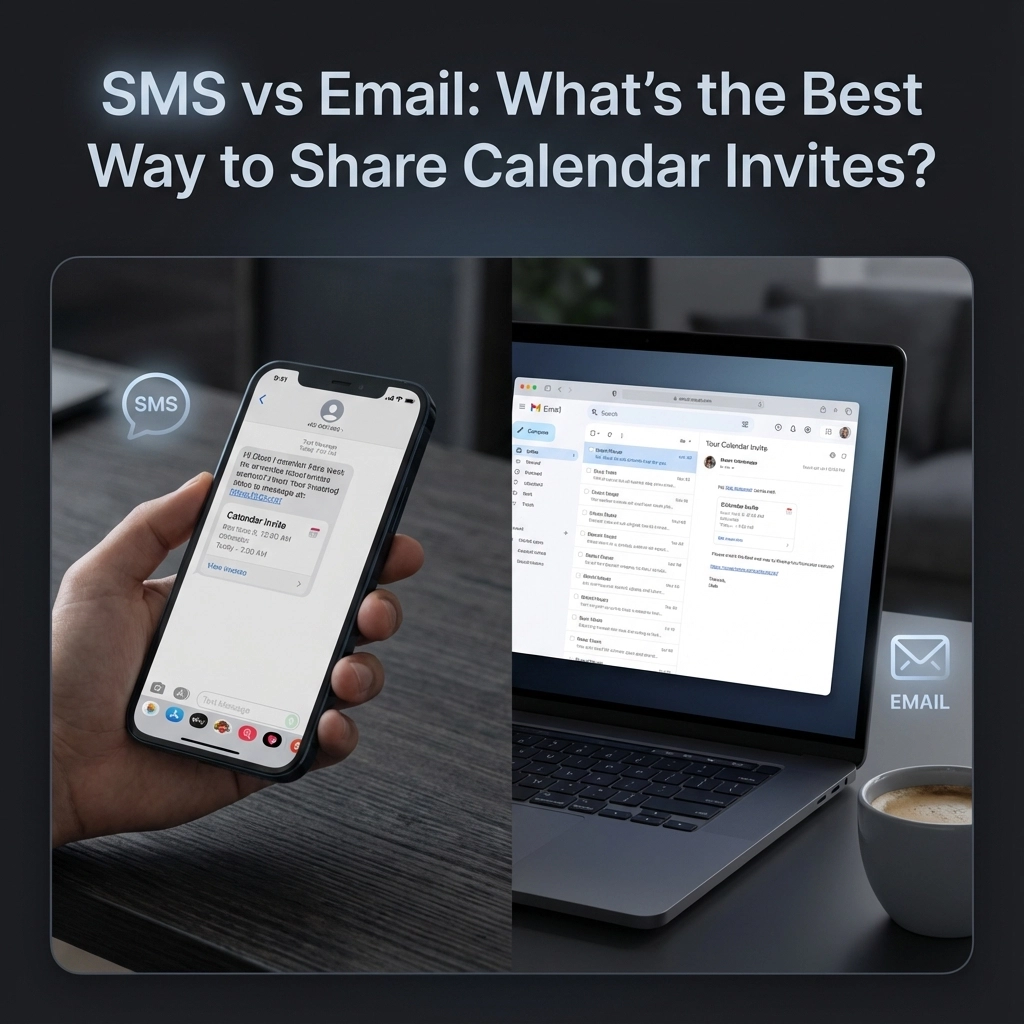
You've probably been there. You send out a calendar invite for an important meeting, and half your attendees either miss it entirely or show up confused about the details. Or maybe you're on the receiving end, digging through your email to find that event info while running late.
The question isn't whether to use digital invites: that ship has sailed. The real question is which method actually gets people to show up: SMS or email? And spoiler alert: the answer might surprise you.
The Calendar Invite Dilemma
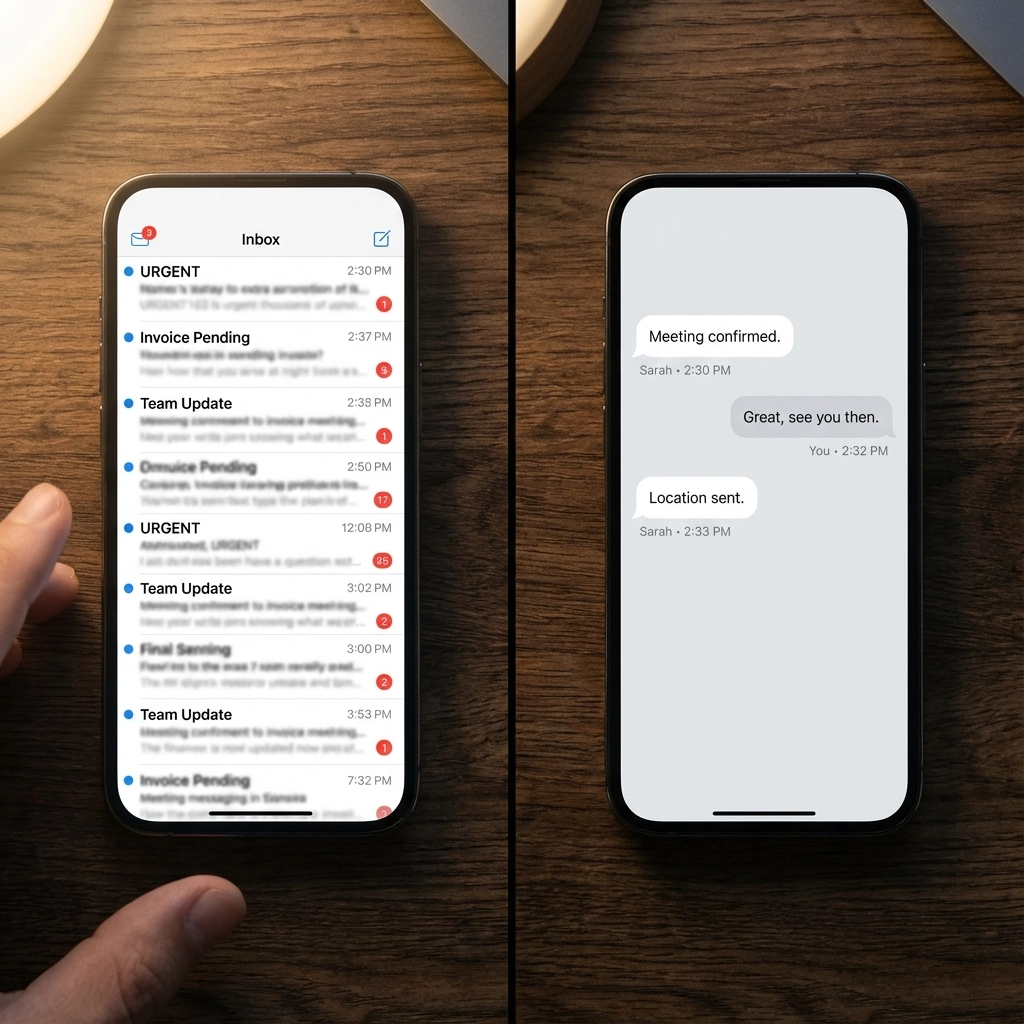
Most people default to email for calendar invites because that's how we've always done it. But email inboxes are increasingly cluttered. The average office worker receives 121 emails per day, and your carefully crafted calendar invite often gets buried under promotional emails and meeting requests.
SMS, on the other hand, has a 98% open rate. People read text messages within minutes of receiving them. So why isn't everyone sending calendar invites via text?
Email vs SMS: The Technical Reality
Here's the thing about calendar invites: they're not just messages. They're functional files that need to integrate with calendar applications. When you send a proper calendar invite, you're actually sending an ICS file that recipients can click to automatically add the event to their Google Calendar, Outlook, or Apple Calendar.
SMS can't handle file attachments. You can text someone "Meeting tomorrow at 2 PM in Conference Room B," but they have to manually create the calendar entry themselves. That extra friction is where things fall apart.
What Email Does Better
Email excels at delivering comprehensive event information:
- Calendar file attachments that auto-populate recipient calendars
- Detailed event descriptions with formatting and links
- Multiple time zone support for remote teams
- Location details including maps and parking instructions
- Agenda attachments and meeting materials
- RSVP tracking to monitor attendance
When someone receives an email calendar invite, they click one button and the event appears in their calendar with all the relevant details. No manual entry required.
What SMS Does Better
SMS dominates in different areas:
- Immediate visibility with 90% of messages read within 30 minutes
- High engagement rates with most people responding quickly
- Universal accessibility since everyone has text messaging
- Brevity that forces you to communicate essential information only
- Urgency that makes people pay attention
The 160-character limit forces clarity. You can't ramble in a text message.
The Optimal Strategy: Use Both Channels
The most effective approach isn't choosing between SMS and email: it's using them strategically together. Here's the workflow that actually gets results:
Step 1: Send the Calendar Invite via Email
Use email to deliver the official calendar invite 1-2 weeks before the event. Include:
- The ICS calendar file attachment
- Complete event details (time, location, agenda)
- Any necessary background materials
- Clear RSVP instructions
This gives people time to review the information, ask questions, and properly add the event to their calendar system.
Step 2: Send SMS Reminders
Follow up with text message reminders at strategic intervals:
- 24 hours before: "Reminder: Marketing strategy meeting tomorrow at 2 PM in Conference Room B. See email for agenda."
- 1 hour before: "Meeting starts in 1 hour – Conference Room B, 2nd floor."
Keep these messages short and include only essential information. The goal is to prompt people to check their calendar, not replace the detailed email.
Real-World Results
Companies using this combined approach see significant improvements:
- 35% decrease in no-show rates compared to email-only invites
- 20% increase in overall attendance at scheduled events
- Faster response times for meeting confirmations and schedule changes
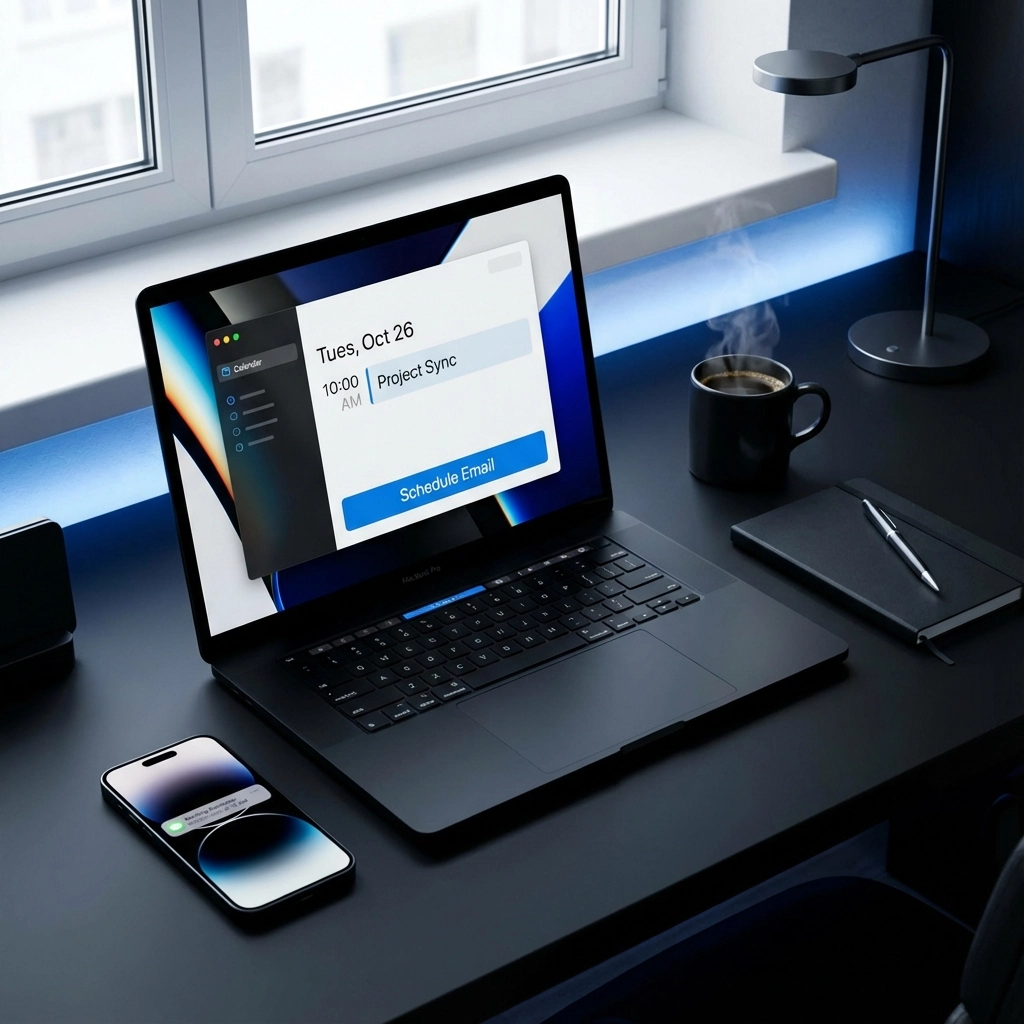
The key insight: email provides the technical infrastructure for calendar integration, while SMS provides the behavioral nudge that ensures attendance.
Best Tools for Implementation
Email Calendar Tools
Most email platforms handle calendar invites well, but some stand out:
- Google Workspace: Seamless integration with Google Calendar and excellent mobile support
- Microsoft 365: Robust Outlook calendar features with Teams integration
- Text to Calendar: AI-powered tool that converts any text into properly formatted calendar invites
SMS Reminder Services
For text message follow-ups, consider:
- Twilio: Developer-friendly API for custom integrations
- SimpleTexting: User-friendly interface for small businesses
- Calendly: Built-in SMS reminder features for scheduled appointments
Implementation Best Practices
Email Calendar Invite Checklist
✓ Include all essential details in the subject line
✓ Add the event to your own calendar first to generate the ICS file
✓ Test the calendar file on different platforms (Gmail, Outlook, Apple Mail)
✓ Include a clear call-to-action for RSVPs
✓ Set up automatic reminder emails 3 days and 1 day before
SMS Reminder Guidelines
✓ Keep messages under 160 characters when possible
✓ Include only the most critical information (time, location)
✓ Send reminders during business hours (9 AM – 6 PM)
✓ Always include an opt-out mechanism
✓ Reference the original email for complete details
Common Mistakes to Avoid
Email Mistakes
Sending calendar invites without ICS files: If recipients can't click to add the event to their calendar, you're making them do extra work.
Information overload: Don't put your entire agenda in the email subject line. Use the body text for detailed information.
Last-minute invites: Sending calendar invites less than 24 hours before an event significantly reduces attendance rates.
SMS Mistakes
Including too much information: Text messages should prompt action, not replace detailed communication.
Sending too many reminders: More than two SMS reminders feels spammy and reduces effectiveness.
Forgetting time zones: Always specify time zones in your text reminders, especially for remote teams.
Accessibility Considerations
Some recipients may not have smartphones or prefer one communication method over another. Always:
- Provide calendar information through multiple channels
- Use clear, simple language in both emails and texts
- Ensure your calendar invites work across different platforms and devices
- Offer alternative ways to access event information
The Bottom Line
Email wins for calendar invites because it handles the technical requirements that make scheduling actually work. SMS wins for reminders because it cuts through the noise when you need immediate attention.
The companies that get the best results use both channels strategically. Email delivers the comprehensive invite with all the technical functionality people need. SMS delivers the behavioral nudge that ensures people actually show up.
Stop trying to force one channel to do everything. Use email for the invitation and SMS for the reminder. Your attendance rates will thank you.
Looking to streamline your calendar invite process? Text to Calendar can help you quickly convert any text into properly formatted calendar events, making it easier to create those detailed email invites that actually work.
Leave a Reply