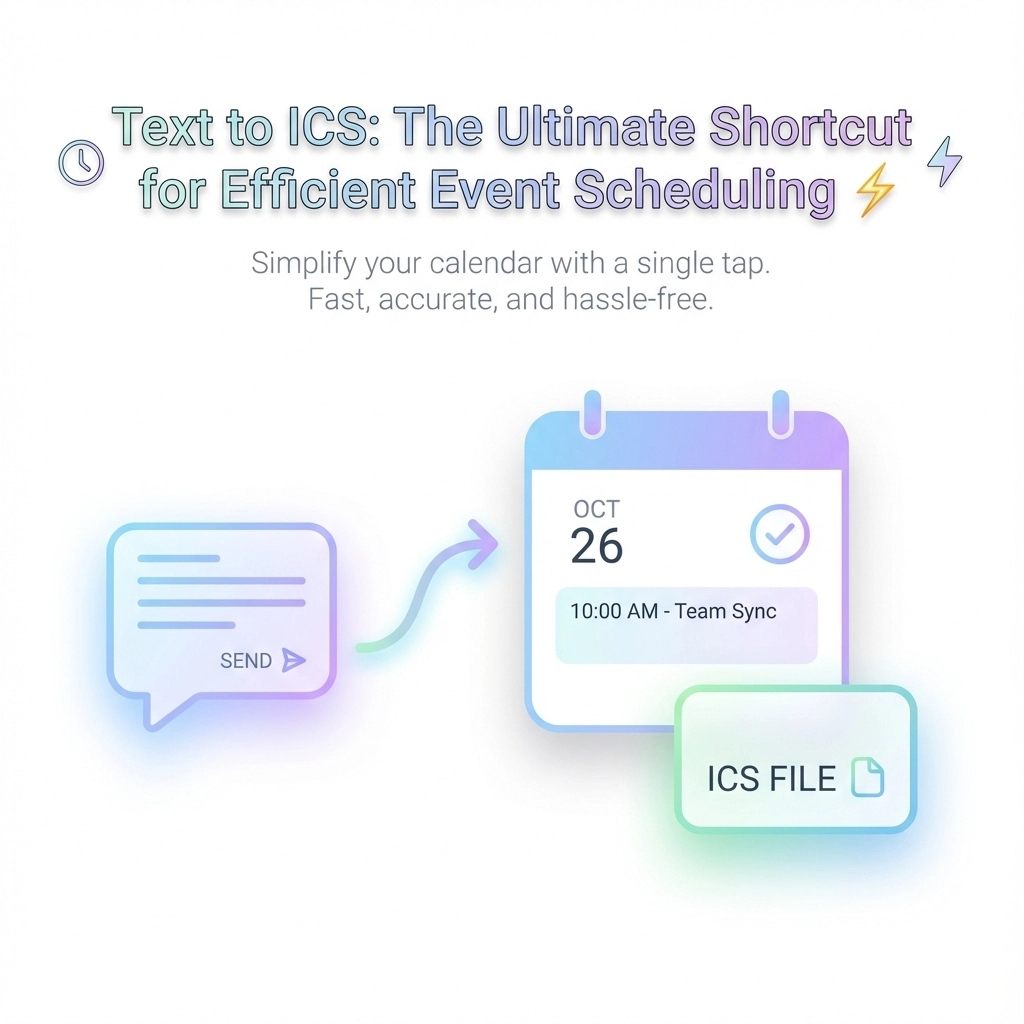
You're staring at a wall of text. Meeting notes, email chains, event flyers, project deadlines scattered across different documents. Each event needs to make it into your calendar, but the thought of typing each one manually makes you want to put it off until tomorrow.
Sound familiar? You're not alone. Most professionals waste hours each week manually entering events into their calendars, switching between apps, copying dates, and inevitably making typos that cause scheduling conflicts.
There's a better way. Text to ICS conversion transforms any plain text into calendar files that work across every major calendar app. No more copy-paste marathons. No more missed events because you forgot to transfer them from your notes.
What Makes ICS Files Your Calendar's Best Friend
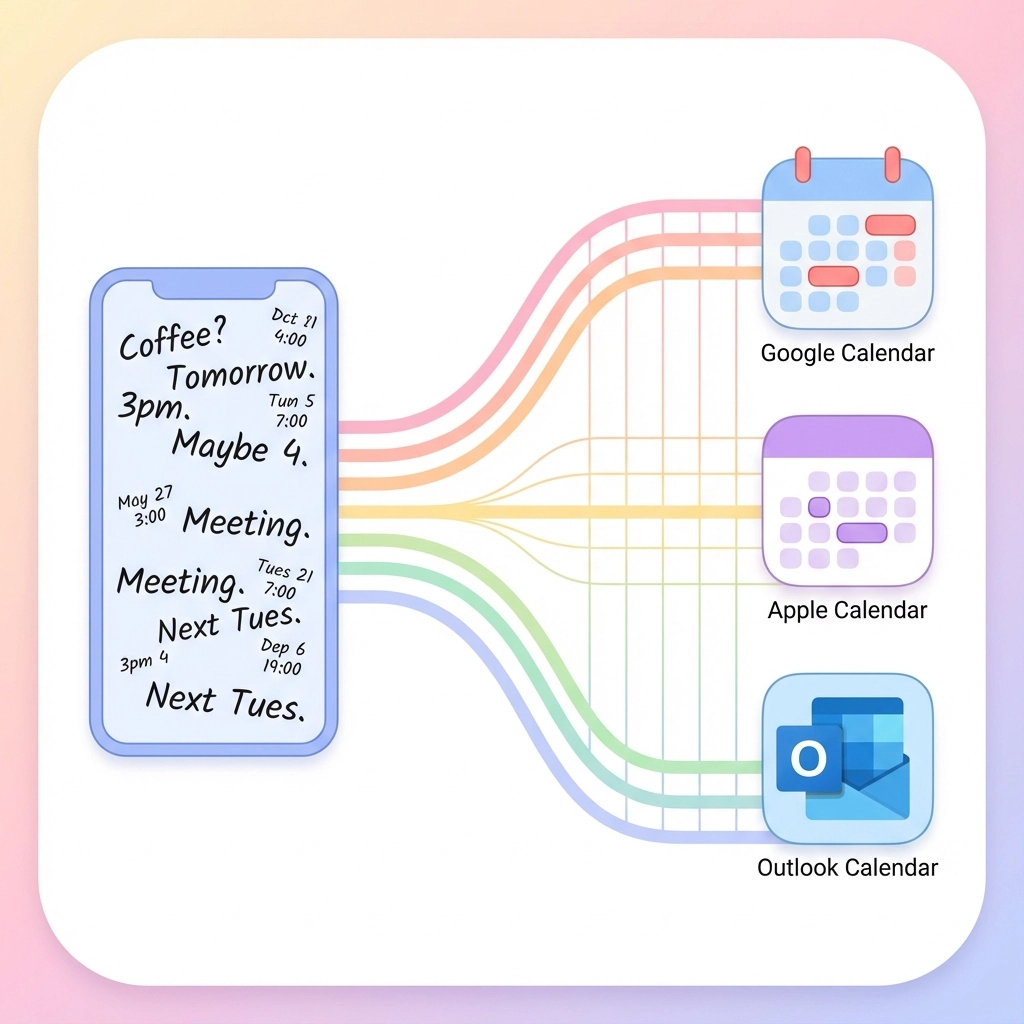
ICS stands for iCalendar: a universal file format that every calendar application understands. Think of it as a translator that speaks fluent Google Calendar, Apple Calendar, Outlook, and Yahoo Calendar all at once.
Here's why this matters: When you create an ICS file, you're not locked into one calendar system. Your events transfer seamlessly whether you're switching from iPhone to Android, sharing schedules with colleagues who use different apps, or backing up your calendar data.
The format itself is surprisingly simple: just structured text that follows specific rules. But you don't need to learn those rules. That's where text-to-ICS tools come in.
The Magic Behind Text to ICS Conversion
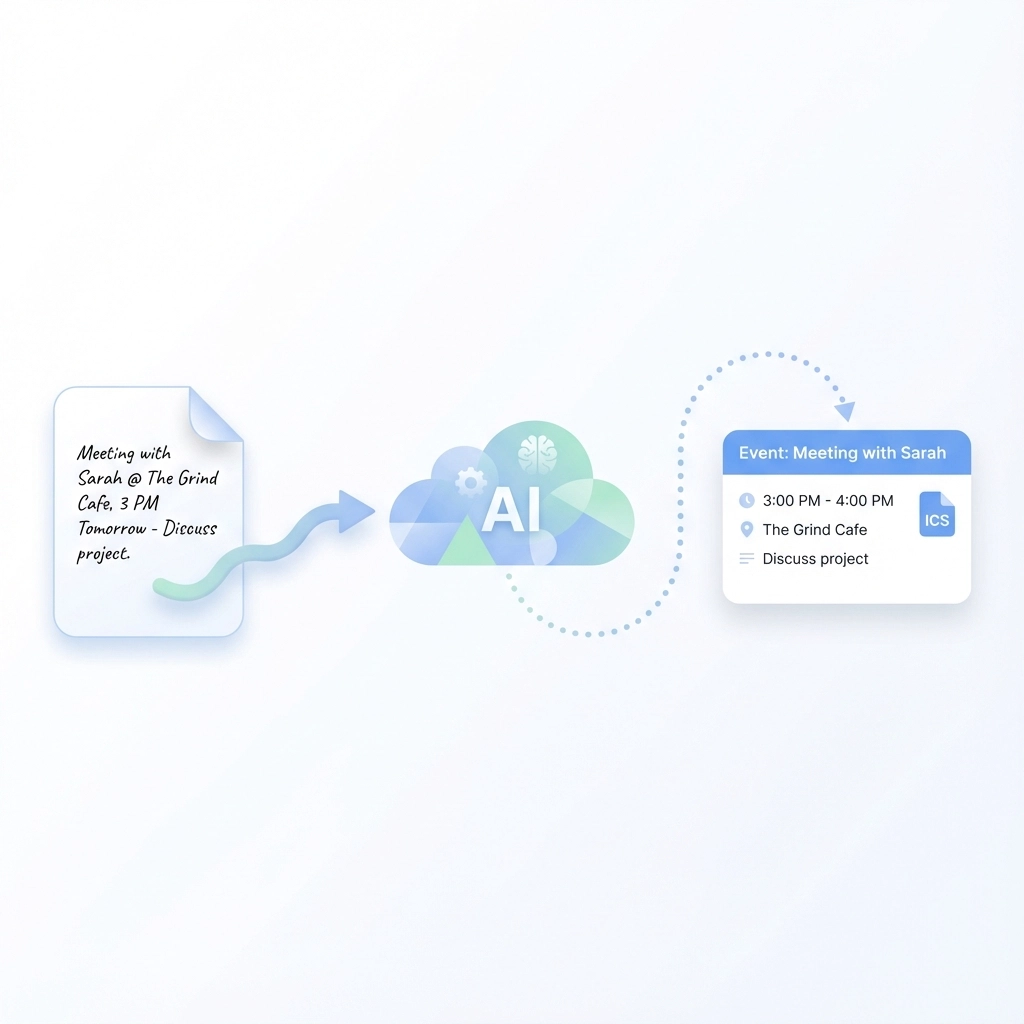
Modern text-to-ICS tools use AI to read your messy, human-written text and extract the important stuff: dates, times, locations, and event details. You paste in something like:
"Team meeting tomorrow at 2pm in conference room B to discuss Q4 budget planning"
The tool creates a properly formatted calendar event with:
- Event title: Team meeting
- Date: (tomorrow's date)
- Time: 2:00 PM
- Location: Conference room B
- Description: Q4 budget planning discussion
This process happens in seconds, not minutes. And unlike manual entry, the AI doesn't get tired or make transcription errors.
Real-World Scenarios Where This Saves Hours
Academic Schedule Management
Students dealing with course syllabi can convert entire semester schedules in one go. Instead of manually entering 50+ assignment due dates, you upload the syllabus PDF and get a complete ICS file ready for import.
Event Planning Coordination
Conference organizers managing dozens of sessions can transform speaker lists and session schedules into calendar files that attendees can import directly. No more individual calendar invites for each session.
Project Management
Teams can convert project timeline documents into shared calendar events. Milestone dates, deadline reminders, and review meetings all get scheduled automatically from your project notes.
Email-Based Event Management
Those long email chains with multiple meeting times and location changes? Extract all the relevant events in one conversion instead of hunting through replies to find the final details.
Step-by-Step: From Text Chaos to Calendar Order
The conversion process is straightforward, regardless of which tool you use:
Step 1: Gather Your Text
Collect event information from wherever it lives: emails, documents, handwritten notes, or even photos of event flyers. Most tools accept multiple input formats.
Step 2: Input Your Data
Paste text directly, upload files, or use browser extensions to capture event details from web pages. The more context you provide, the better the AI can extract accurate event information.
Step 3: Review and Refine
Good tools show you a preview of extracted events before generating the final ICS file. Check dates, times, and locations for accuracy. Make corrections if the AI missed context clues.
Step 4: Generate and Download
Create the ICS file with a single click. The file downloads to your device, ready for calendar import.
Step 5: Import Everywhere
Add the ICS file to any calendar application. The events appear instantly, complete with proper formatting and timezone handling.
Why Universal Compatibility Matters More Than You Think
Different calendar apps handle event data differently. Outlook formats recurring events one way, Google Calendar uses another approach, and Apple Calendar has its own quirks. When you manually create events in one app, they don't always transfer cleanly to others.
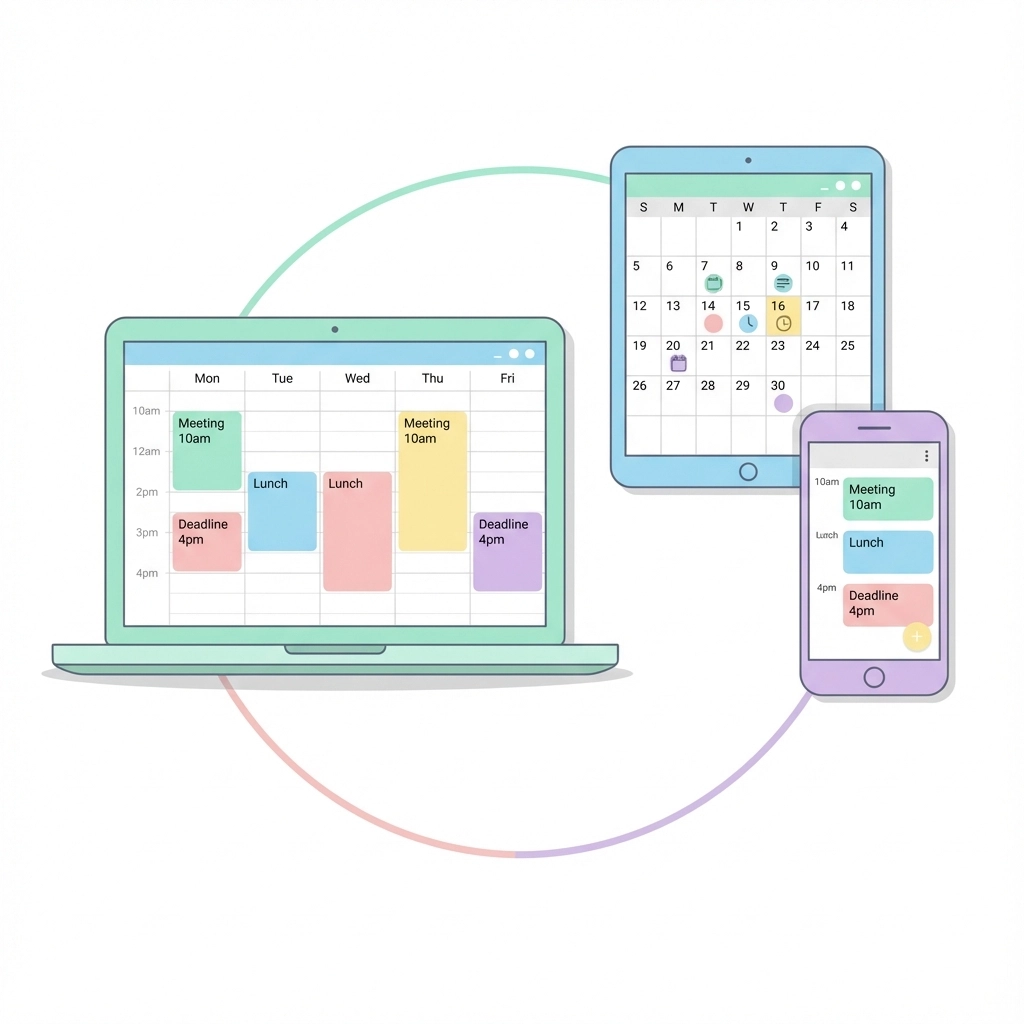
ICS files solve this problem by using a standardized format that preserves event integrity across platforms. Your carefully crafted event descriptions, reminder settings, and timezone information stay intact whether you're viewing them on your phone, computer, or colleague's calendar.
This compatibility extends beyond personal use. When you share ICS files with team members, clients, or event attendees, everyone can import them regardless of their calendar preference. No more "I can't see your calendar invite" conversations.
Advanced Features That Save Even More Time
Bulk Event Processing
Convert dozens of events simultaneously from spreadsheets, long-form documents, or complex email threads. Perfect for processing conference schedules, academic calendars, or project timelines.
Smart Date Recognition
Modern tools handle relative dates ("next Tuesday"), informal time references ("around 3pm"), and even date ranges ("June 15-17 conference"). The AI understands context that manual calendar entry often misses.
Automatic Reminder Settings
Set default reminder preferences that apply to all converted events. No need to manually configure notifications for each imported event.
Location Intelligence
Tools can recognize and properly format addresses, meeting room names, and virtual meeting links. Some even integrate with mapping services for enhanced location data.
Common Pitfalls and How to Avoid Them
Timezone Confusion
Always verify timezone settings, especially when processing events from different time zones or daylight saving transitions. Most tools default to your system timezone, but international events need manual adjustment.
Recurring Event Complexity
Simple recurring patterns ("every Tuesday") convert well, but complex schedules might need manual refinement. Review recurring events carefully before importing.
Incomplete Context
Provide as much context as possible in your source text. "Meeting at 3" is ambiguous, but "Marketing team meeting at 3pm EST in conference room A" gives the tool everything it needs.
Privacy and Security Advantages
Unlike calendar sync services that require account access, text-to-ICS tools work locally with your data. You maintain complete control over your information: the tool processes your text and generates a file without storing or accessing your actual calendar.
This approach eliminates privacy concerns about third-party access to your calendar data while still providing the automation benefits you need.
Integration With Your Existing Workflow
Text-to-ICS conversion works best when it becomes part of your regular process, not a special task you do occasionally. Consider these integration points:
Email Processing: Convert meeting details as they arrive instead of letting them pile up in your inbox.
Note-Taking: Include event details in your regular notes, then batch-convert them weekly.
Document Review: Process project timelines, course syllabi, and event announcements immediately after receiving them.
Team Collaboration: Share ICS files alongside project documents so everyone stays synchronized.
The key is making conversion automatic enough that you don't have to remember to do it, but manual enough that you maintain control over what gets added to your calendar.
Getting Started Today
Ready to eliminate manual calendar entry from your workflow? Start with our text-to-ICS tool and experience the difference automated event conversion makes.
Your first conversion will likely save you 10-15 minutes compared to manual entry. Multiply that by the dozens of events you process each month, and the time savings become substantial. More importantly, you'll reduce the stress and errors that come with manual calendar management.
The most efficient calendar is one that updates itself. Text-to-ICS conversion gets you there without requiring you to learn new systems or change your existing workflow. You keep working with text the way you always have: just with better results.
Leave a Reply